
SPREADSHEET HUB
SpanBuy Spreadsheet
The central SpanBuy product-discovery hub for understanding the resource, browsing categories and continuing to current listings on SheetsIndex.
DISCOVERY CONTEXT
Where Product Ideas Often Start
Product ideas do not always begin in a directory. A shopper may first see a style in a community discussion, a saved image or a Yupoo album. Treat that as a lead, not as a verified listing. If the source is unfamiliar, start with the What Is Yupoo? guide; if you already have an album, follow the album-to-spreadsheet workflow to record its useful details.
Then use SheetsIndex to find a current product page and compare the available size, variant, image and source information. Original product videos can help you examine visible construction or shape from more angles, but they do not prove that a similar-looking listing is the same item. Once you choose a current listing, continue with the comparison and buying guidance already linked on this hub.
LIVE PRODUCT DISCOVERY
Browse 60 products across 10 categories
Six products are selected from each active SheetsIndex SEO category pool. Open a card to review the current source listing before making a decision.
SEO PRODUCT POOL
Shoes & Sneakers
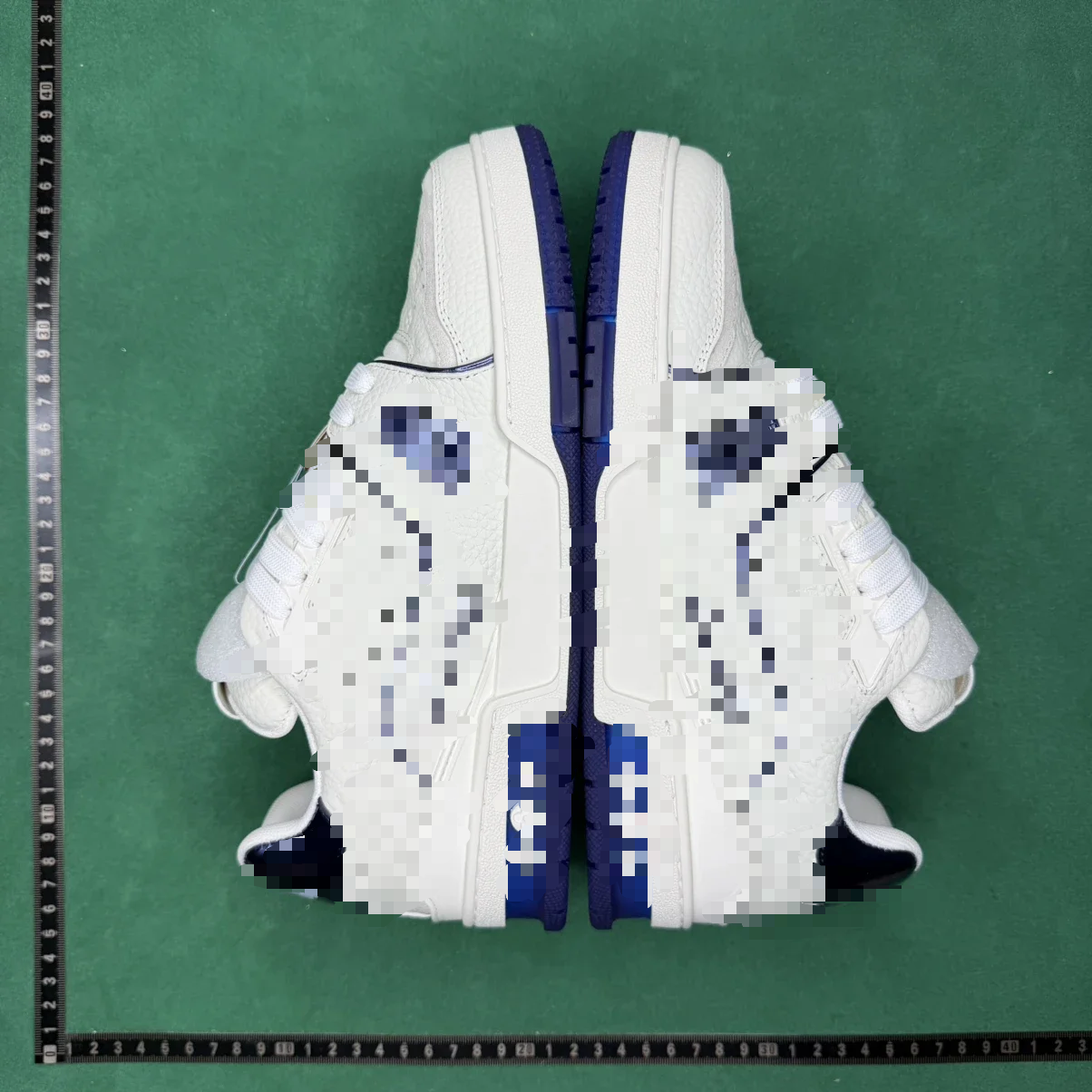 Casual SneakersAmiri Skel Top Low White Blue Sneakers
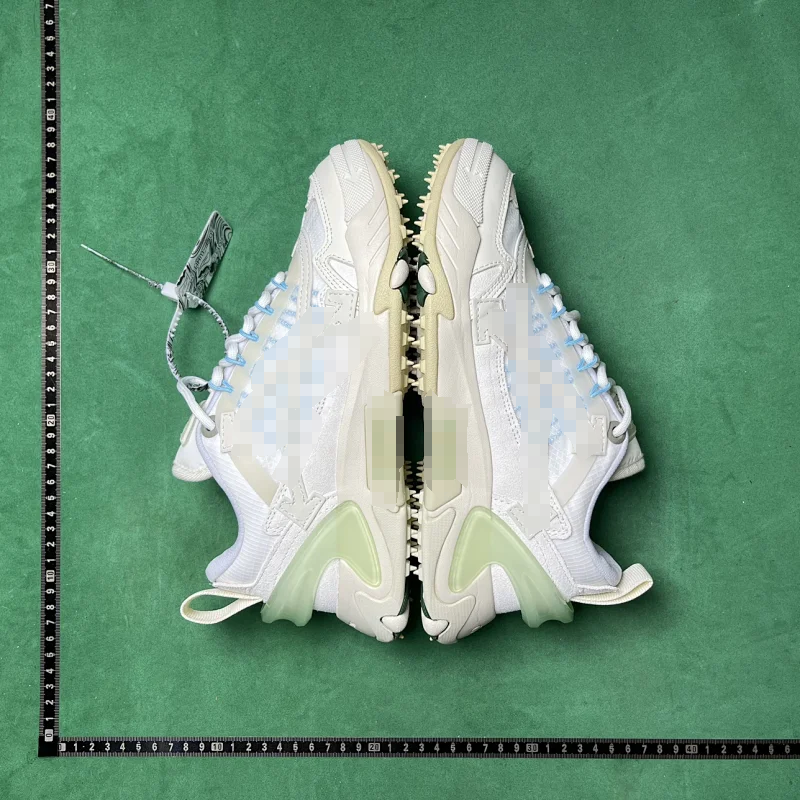 Casual SneakersOff-White ODSY-1000 White Pale Green Sneakers
 Sandals & SlidesAdidas Yeezy Slide Gradient Blue Slip-On Sandals
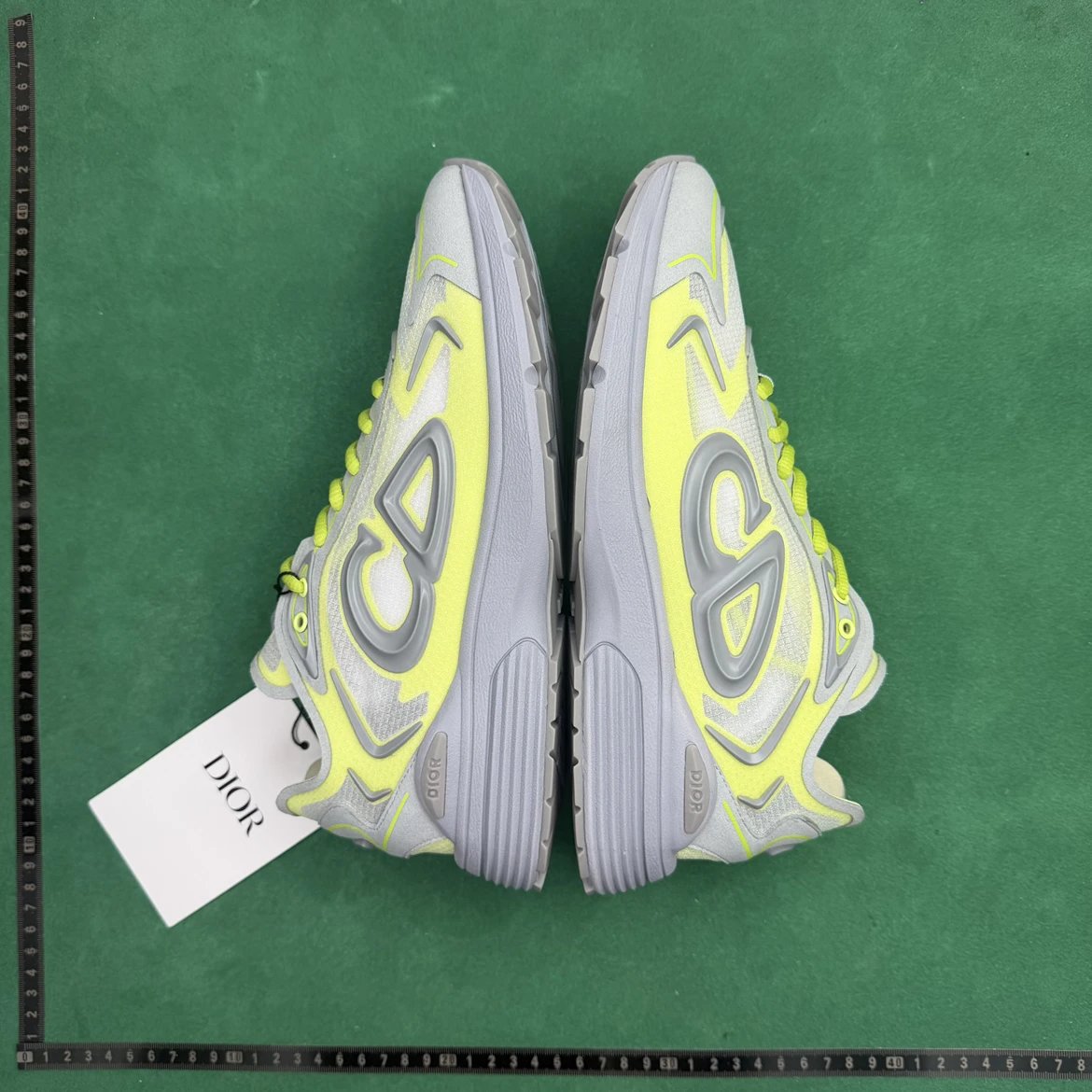 Running ShoesDior B3S Technical Mesh Grey Fluorescent Yellow Low Top Running Sneaker
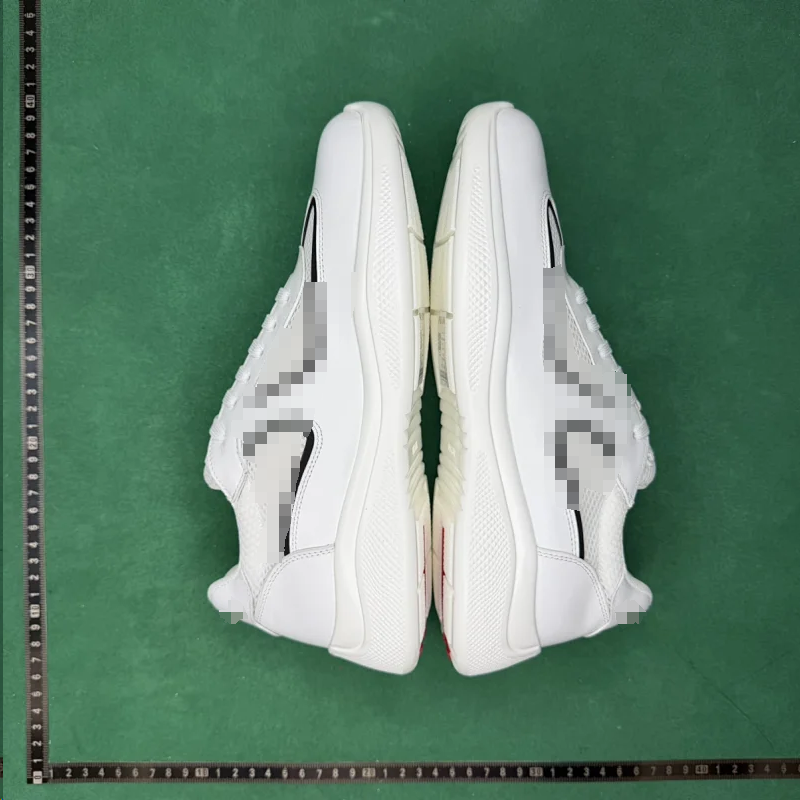 Casual SneakersPrada White Mesh Leather Trainer Sneakers
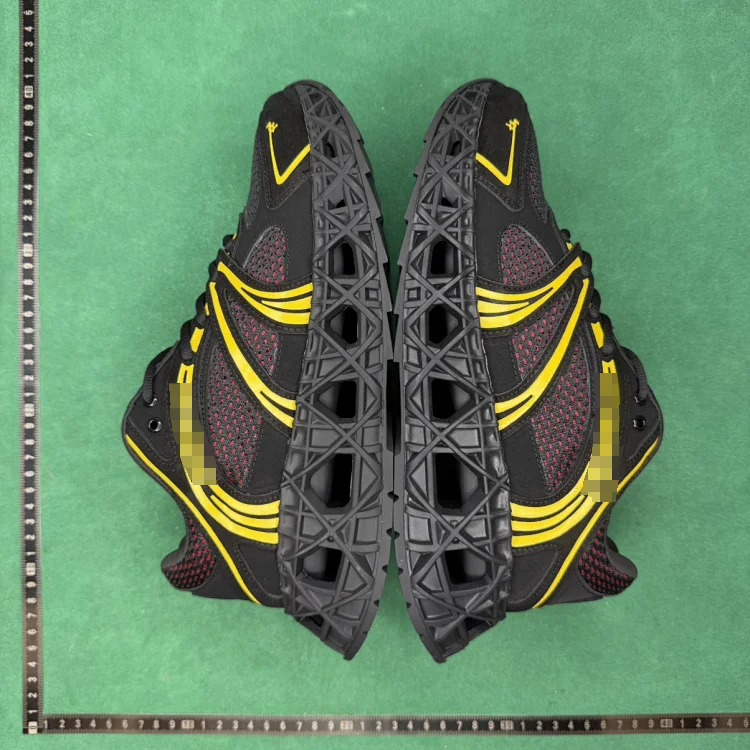 Casual SneakersDior B35 NXXT Black Yellow Red Mesh Sneaker
SEO PRODUCT POOL
Hoodies & Sweaters
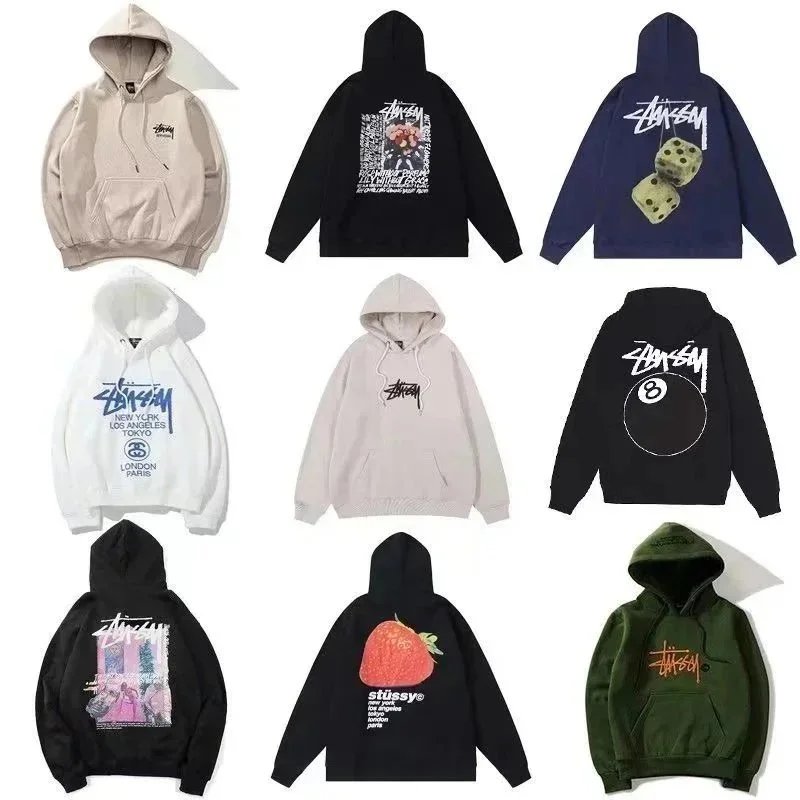 Logo HoodiesStussy Basic Stock Logo Hoodie
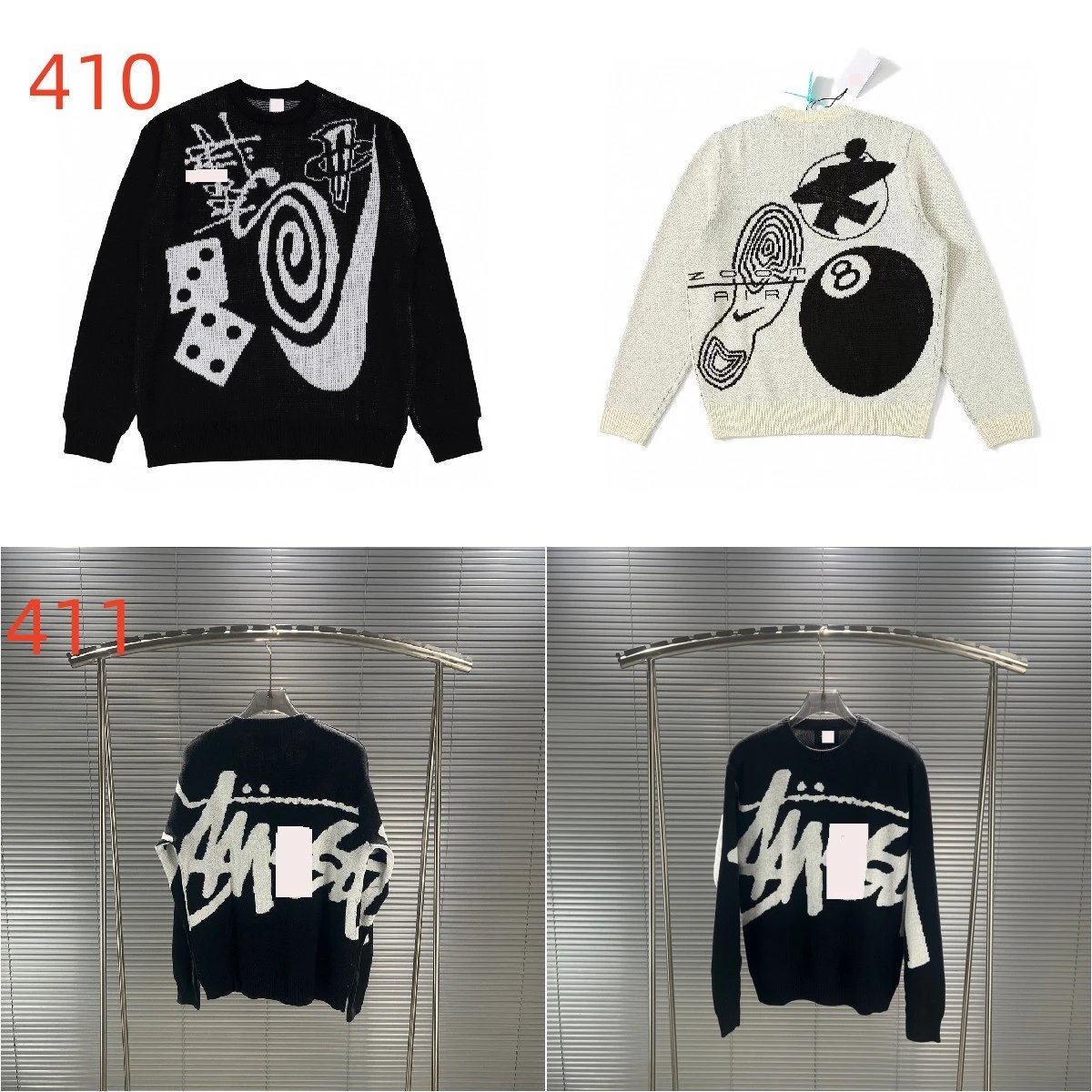 Knit SweatersStussy 8 Ball Dice Swirl Jacquard Crew Sweater
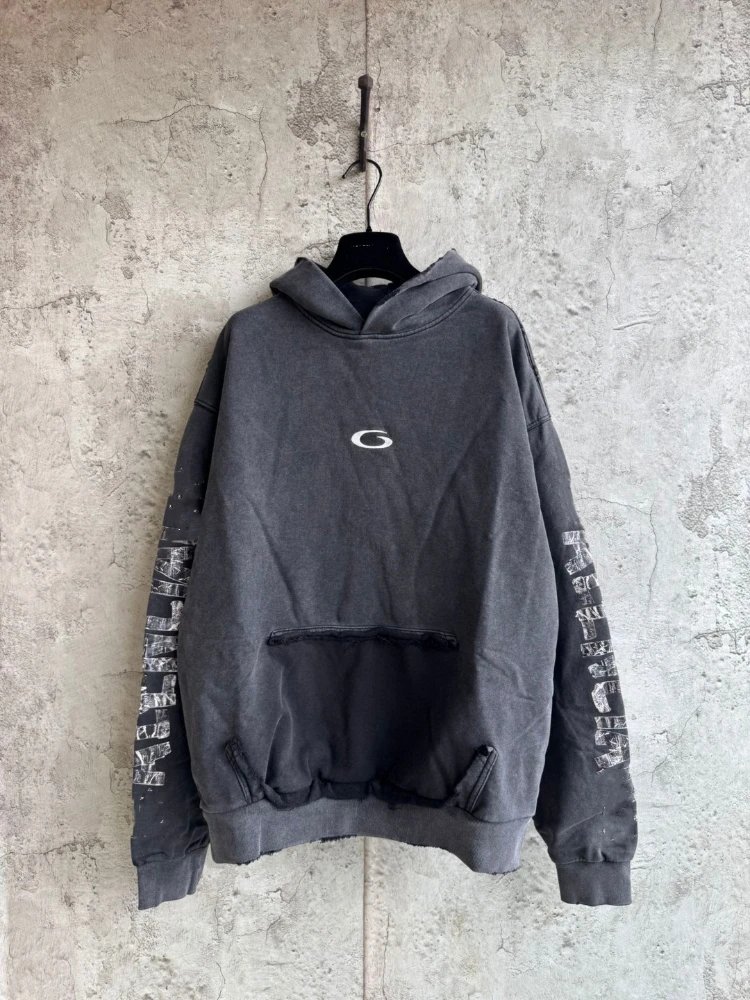 Graphic HoodiesWashed Distressed G Logo Sleeve Print Hoodie
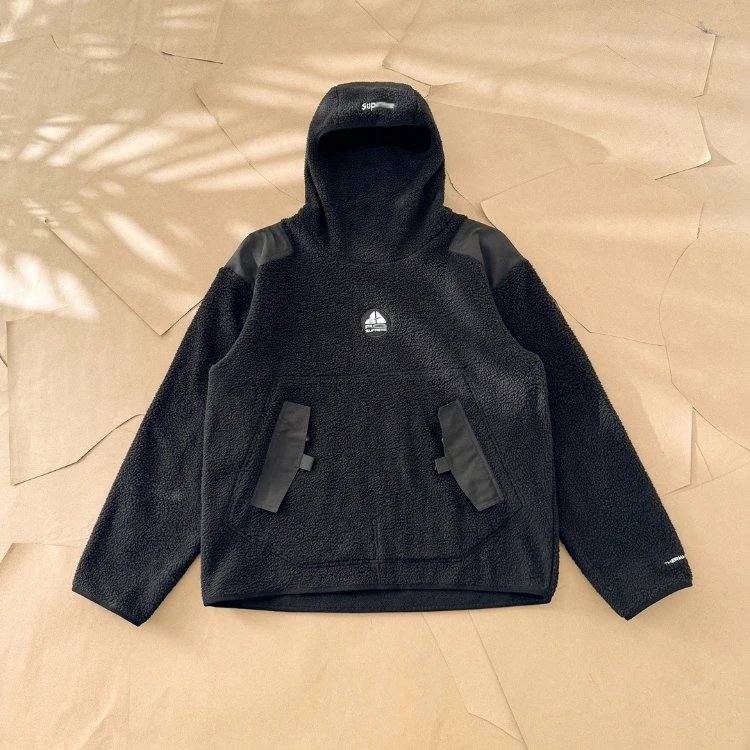 Pullover HoodiesSupreme Nike ACG Black Balaclava Fleece Pullover
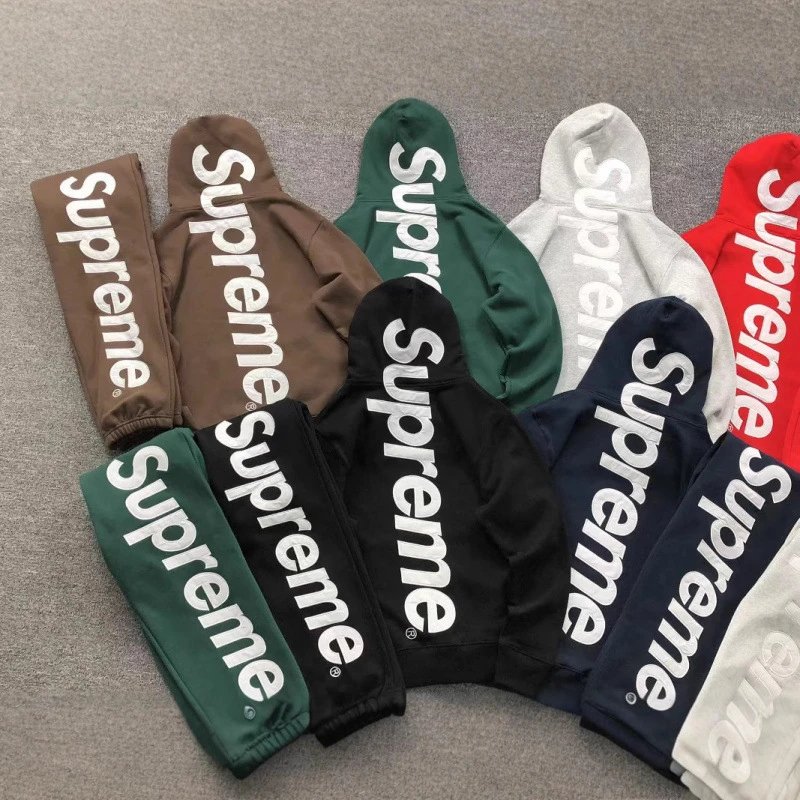 Logo HoodiesSupreme Back Logo Hoodie Sweatpants Tracksuit
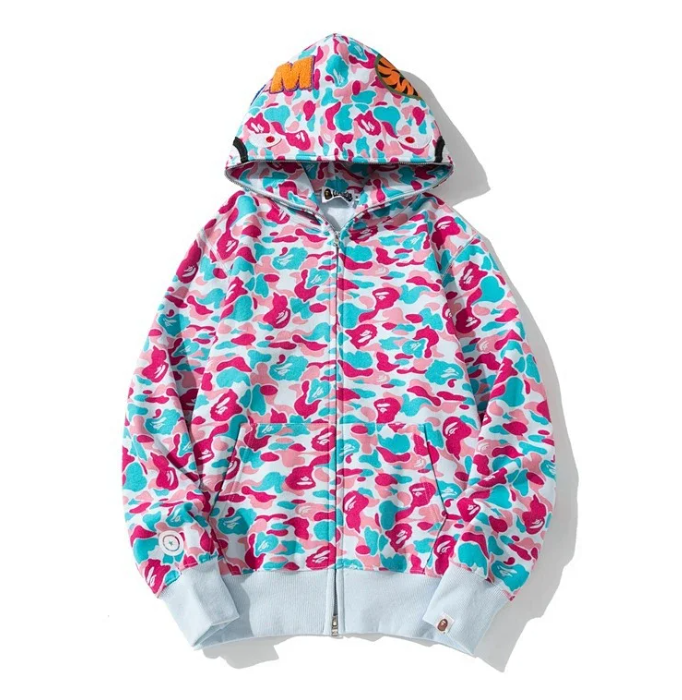 Zip-Up HoodiesBAPE Miami 4th Camo Shark Double Zip Hoodie
SEO PRODUCT POOL
T-Shirts
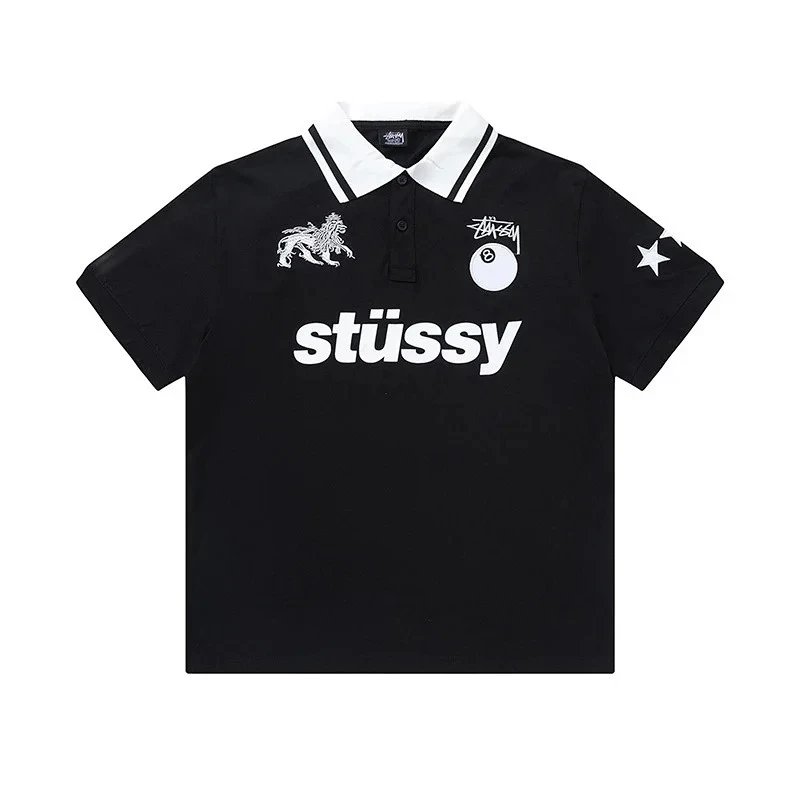 Other T-ShirtsStussy Lion 8 Ball Star Contrast Collar Black Short Sleeve Polo Shirt
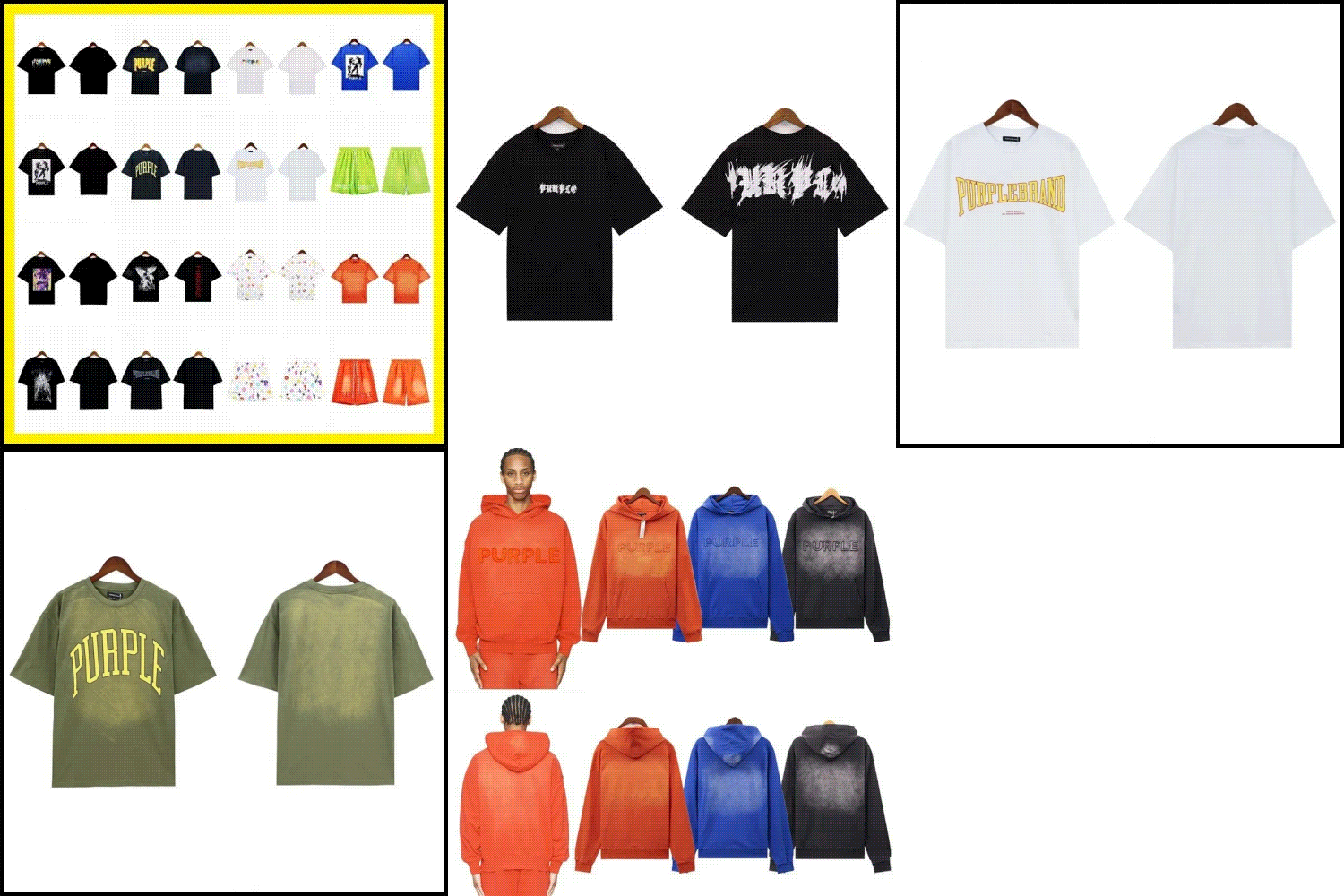 Vintage TeesPurple Brand Funk Letter Washed Short Sleeve T-shirt
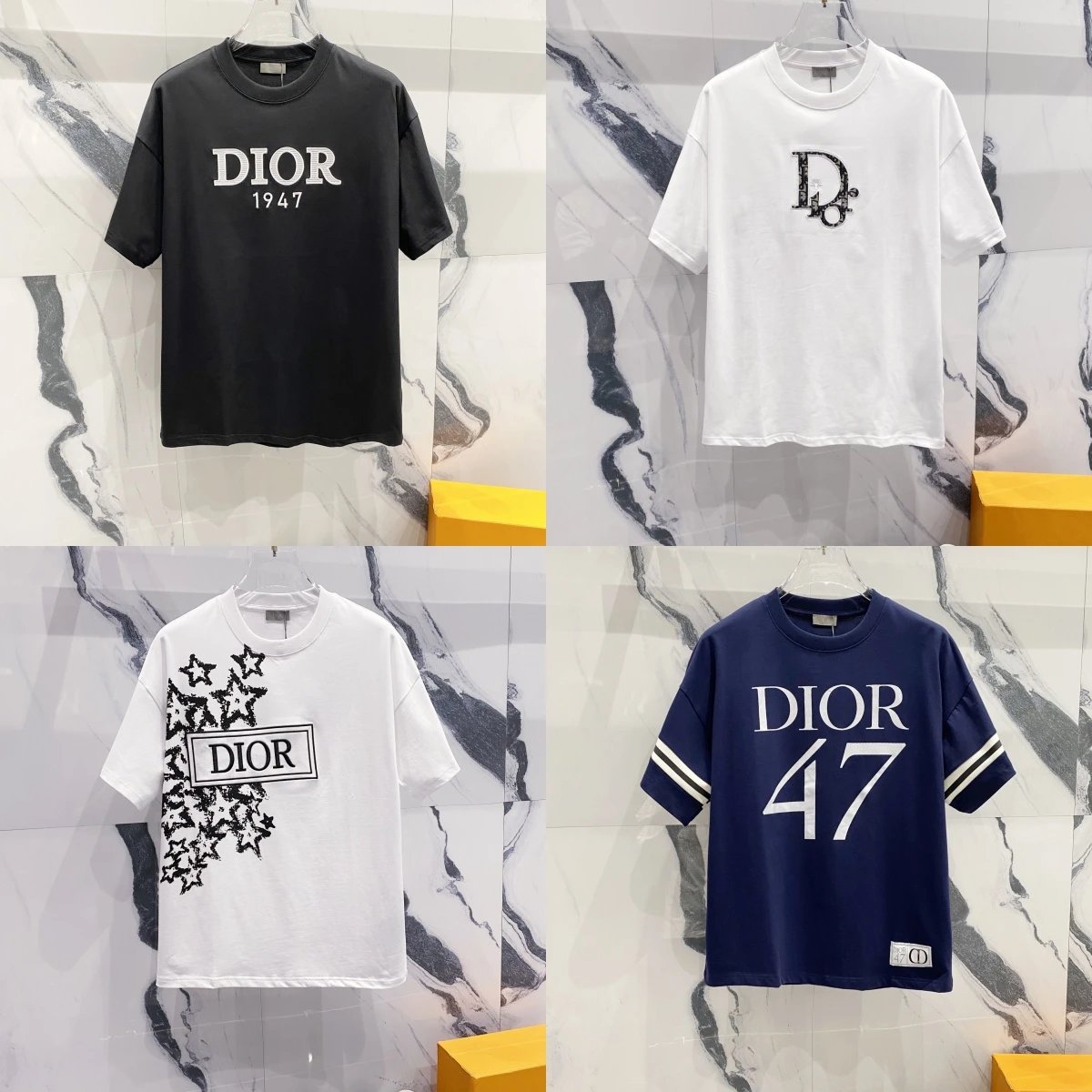 Logo TeesDior 1947 Logo T-Shirt
 Sports TeesBalenciaga Paris 10 Soccer Jersey T-Shirt
 Polo ShirtsPolo Ralph Lauren Pony Logo Striped Vertical Stripe Loose Fit High Waist Matching Set T-Shirt
 Polo ShirtsPolo Ralph Lauren Loose Fit Collared Sweatshirt
SEO PRODUCT POOL
Jackets
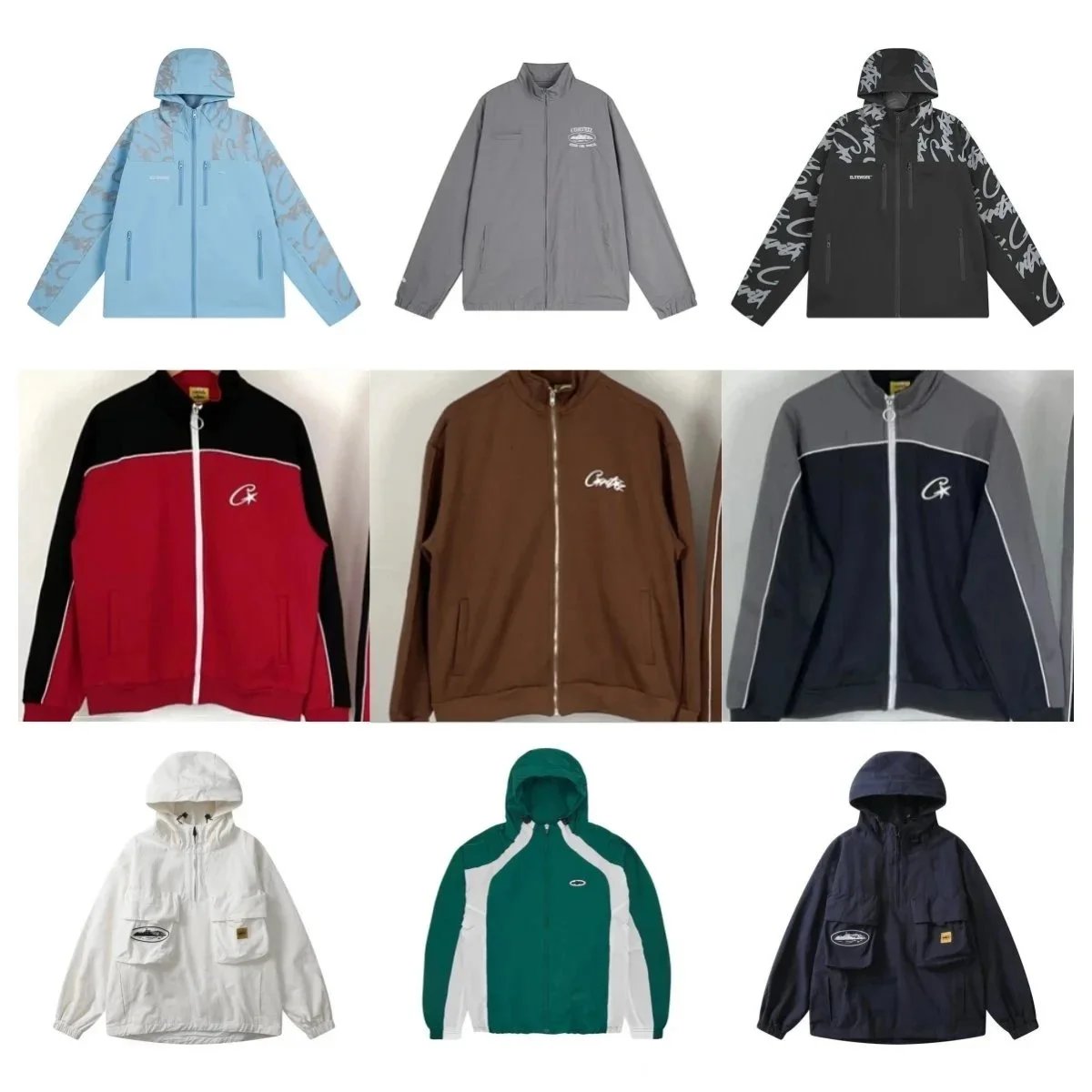 WindbreakersCorteiz All Over Print Hooded Windbreaker
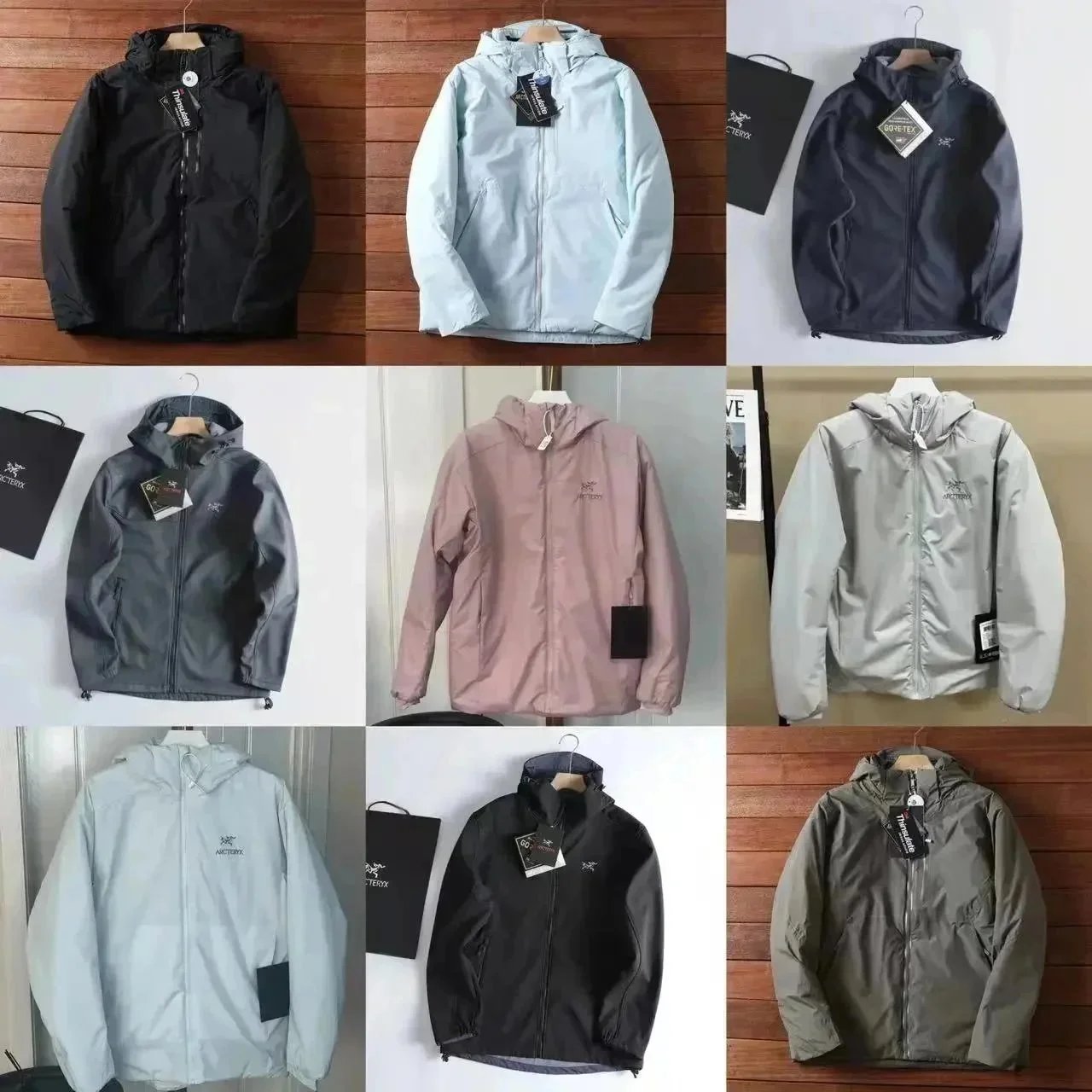 WindbreakersArc'teryx GORE-TEX Hooded Shell Jacket
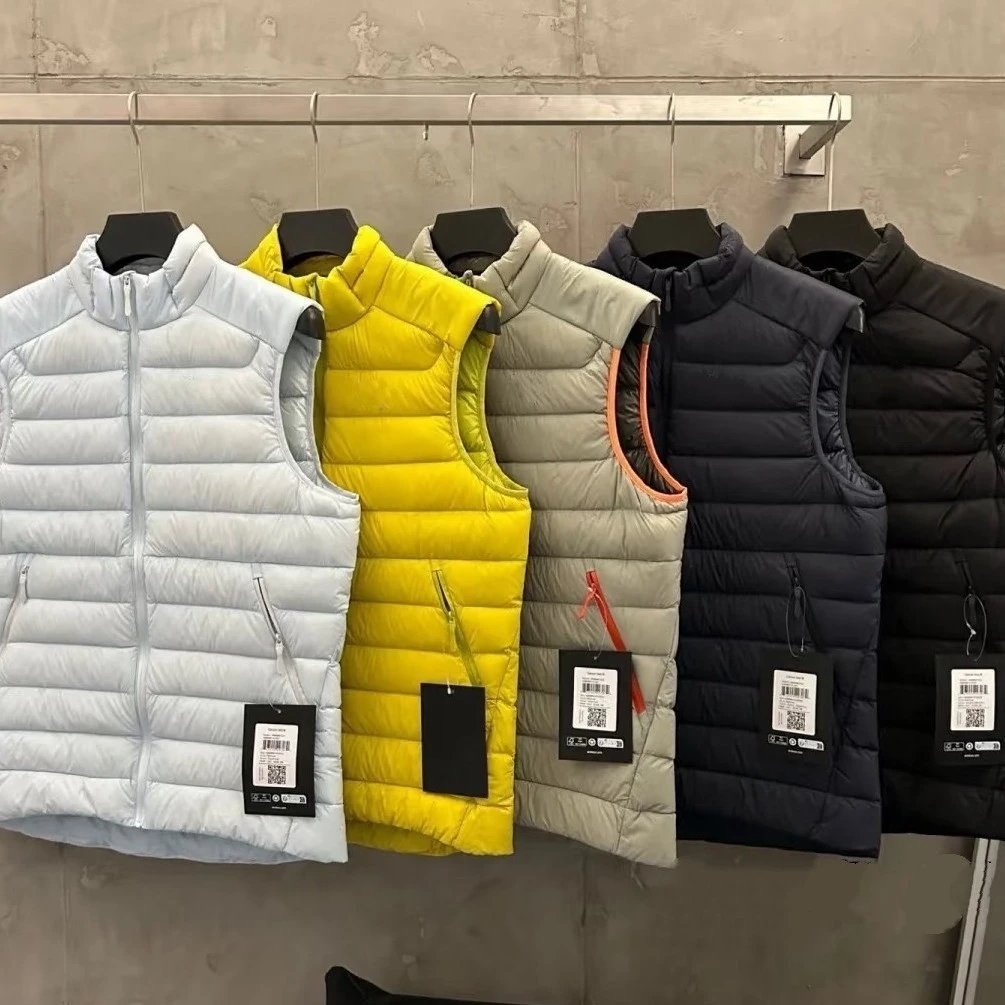 VestsLightweight Stand Collar Down Vest
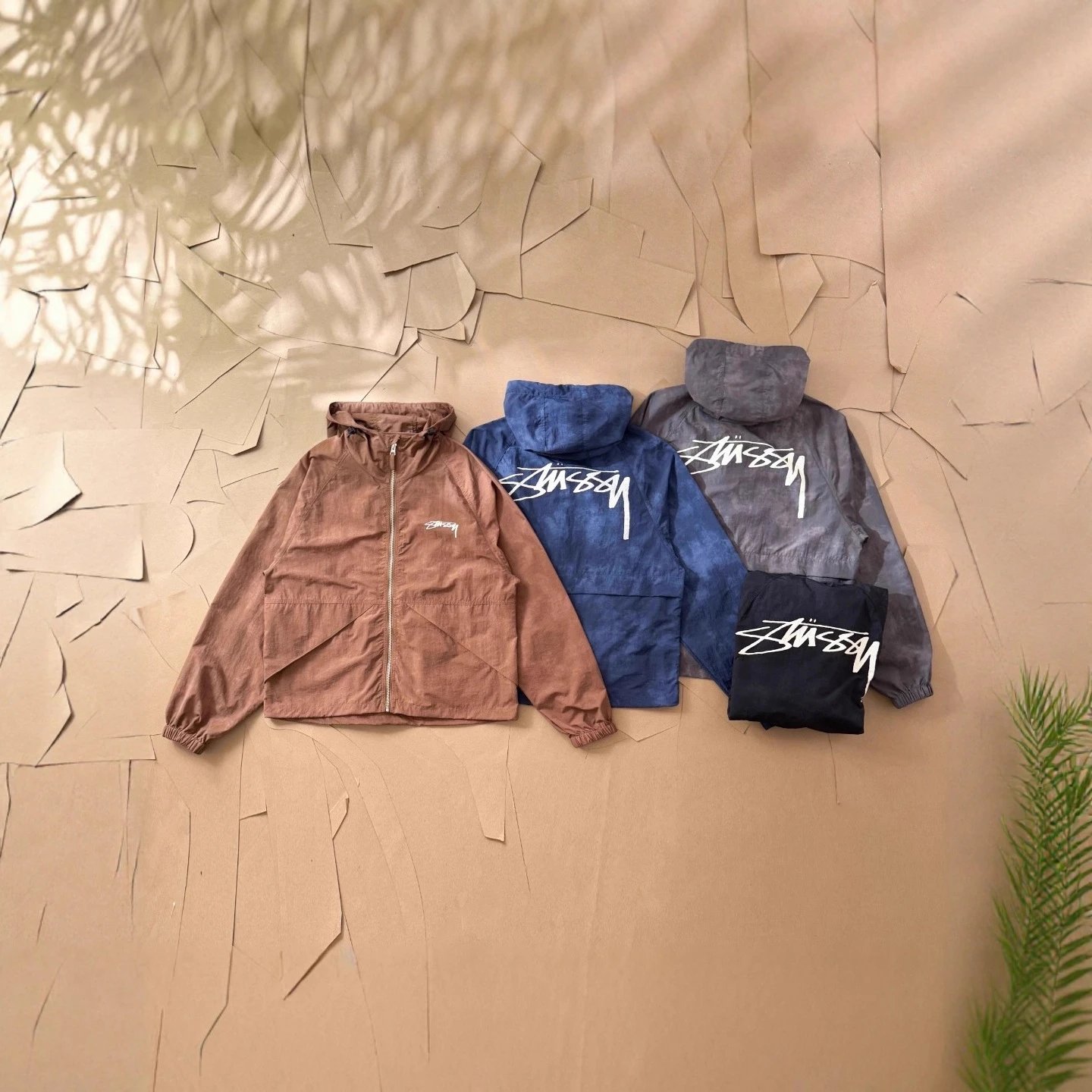 WindbreakersStussy Front Small Logo Hooded Windbreaker
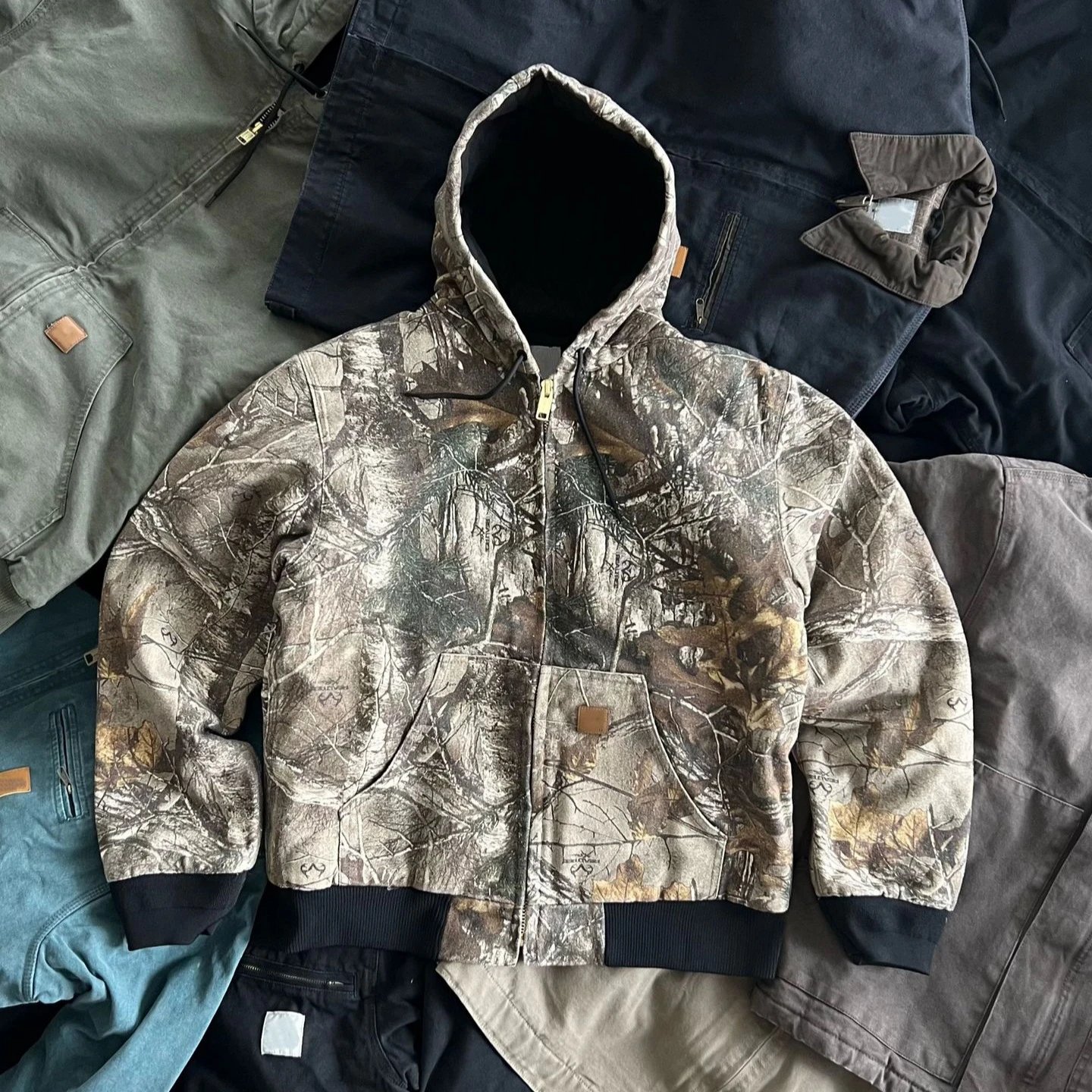 Other JacketsCarhartt Realtree Camo Active Jacket
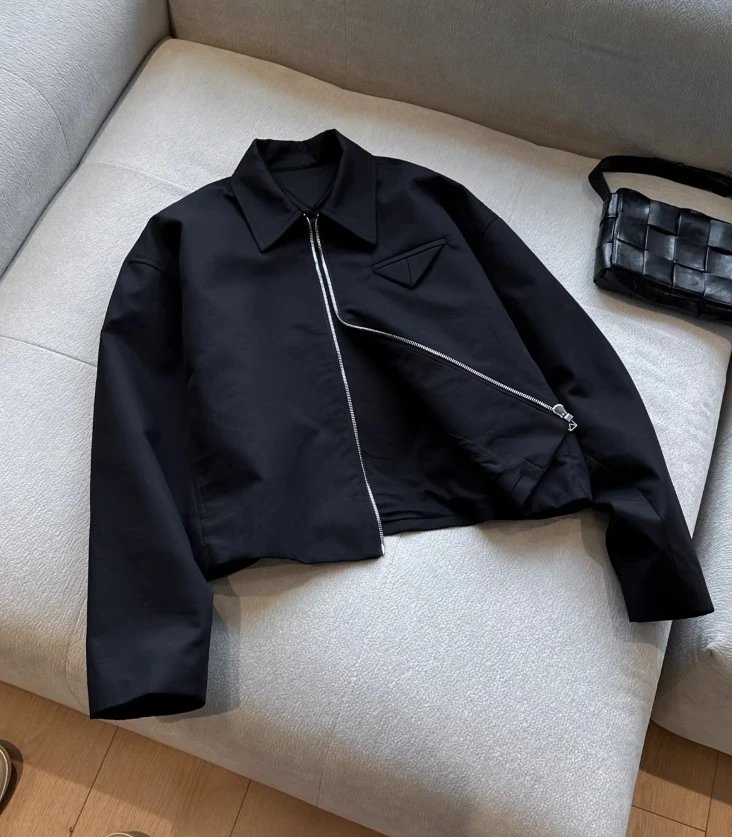 Other JacketsPrada Re-Nylon Triangle Logo Zip-Up Jacket
SEO PRODUCT POOL
Pants / Shorts
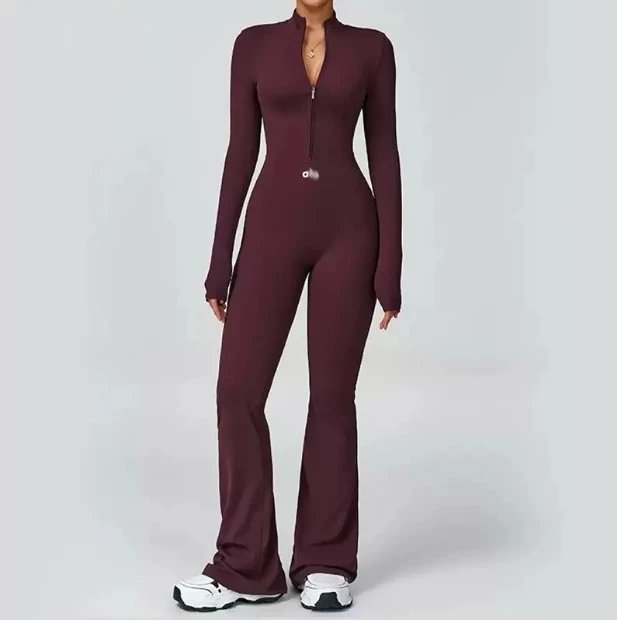 Other SweatersHalf Zip Long Sleeve Flared Leg Jumpsuit
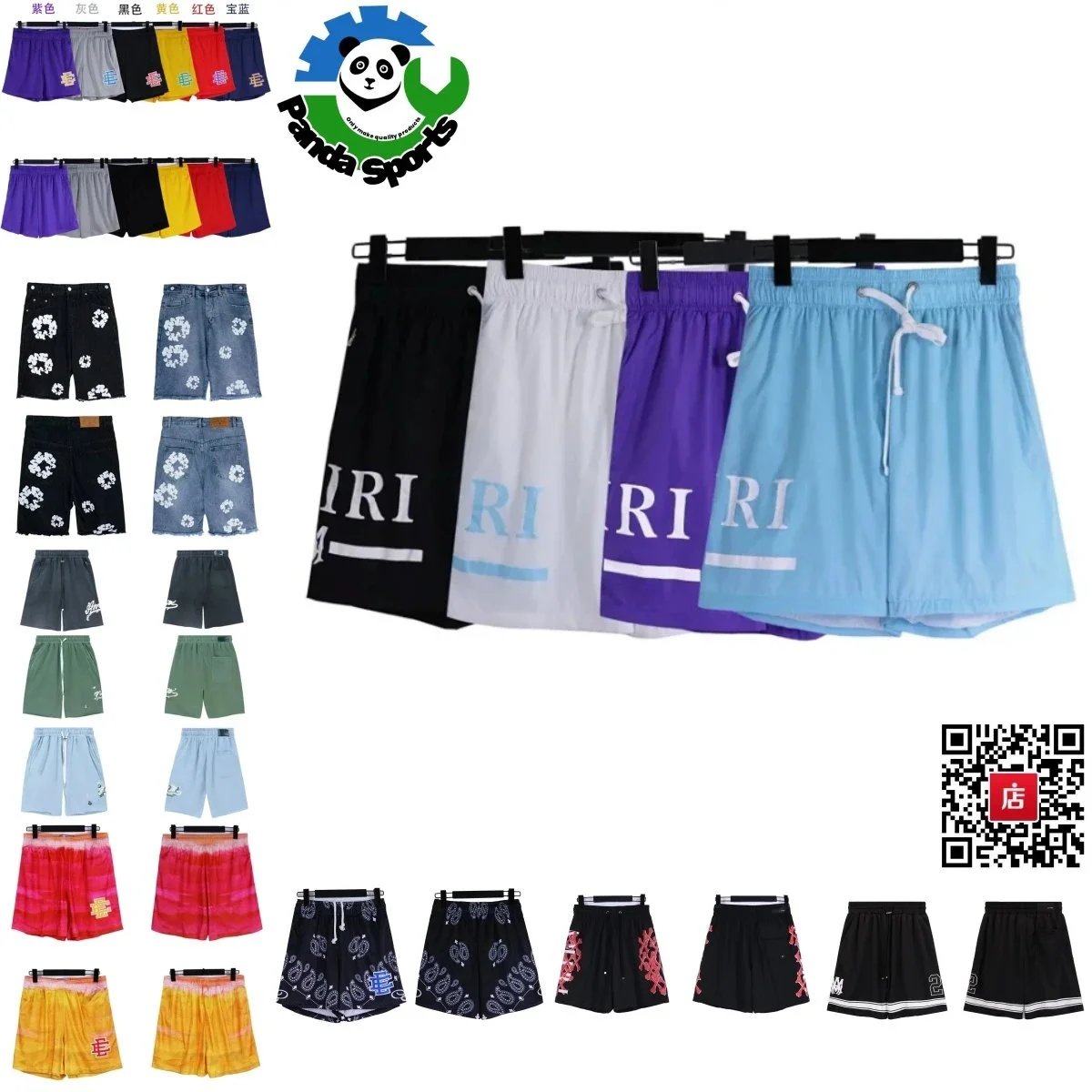 Casual ShortsAmiri Multi-Style Quick Dry Casual Shorts Collection
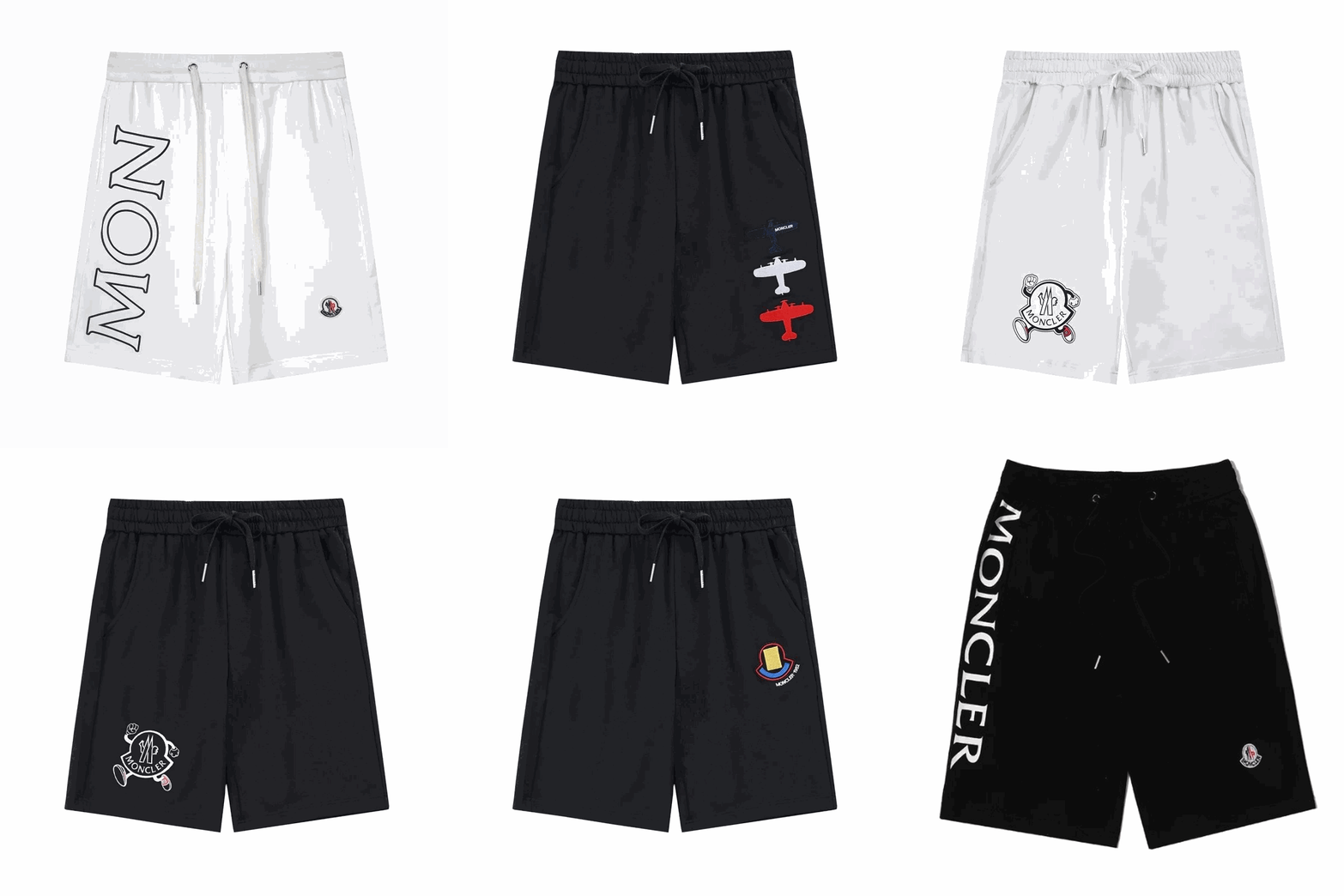 Casual ShortsMoncler Vertical Large MON Letter Logo Casual Shorts
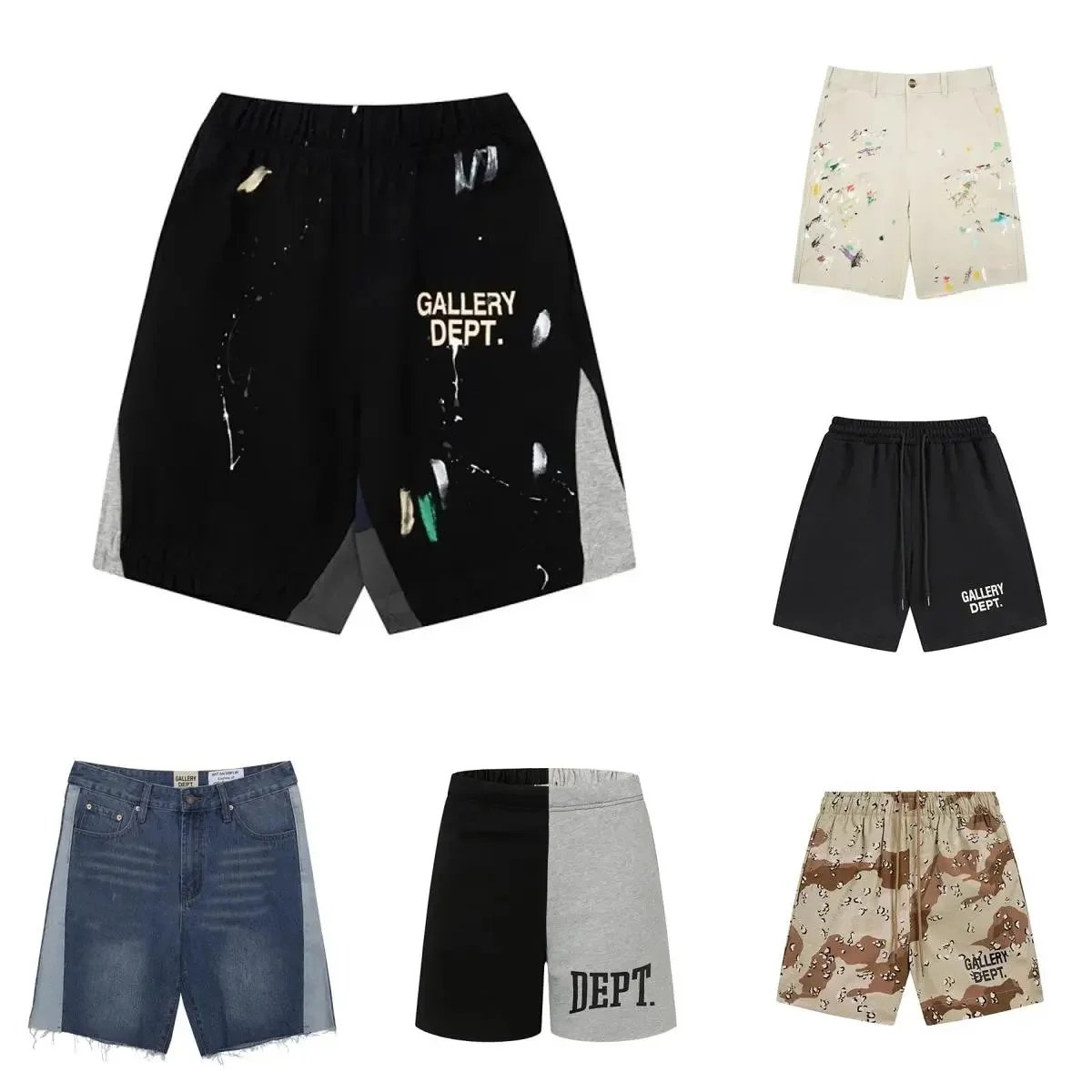 Casual ShortsGallery Dept Multi-Style Printed Patchwork Denim & Sweat Shorts Collection
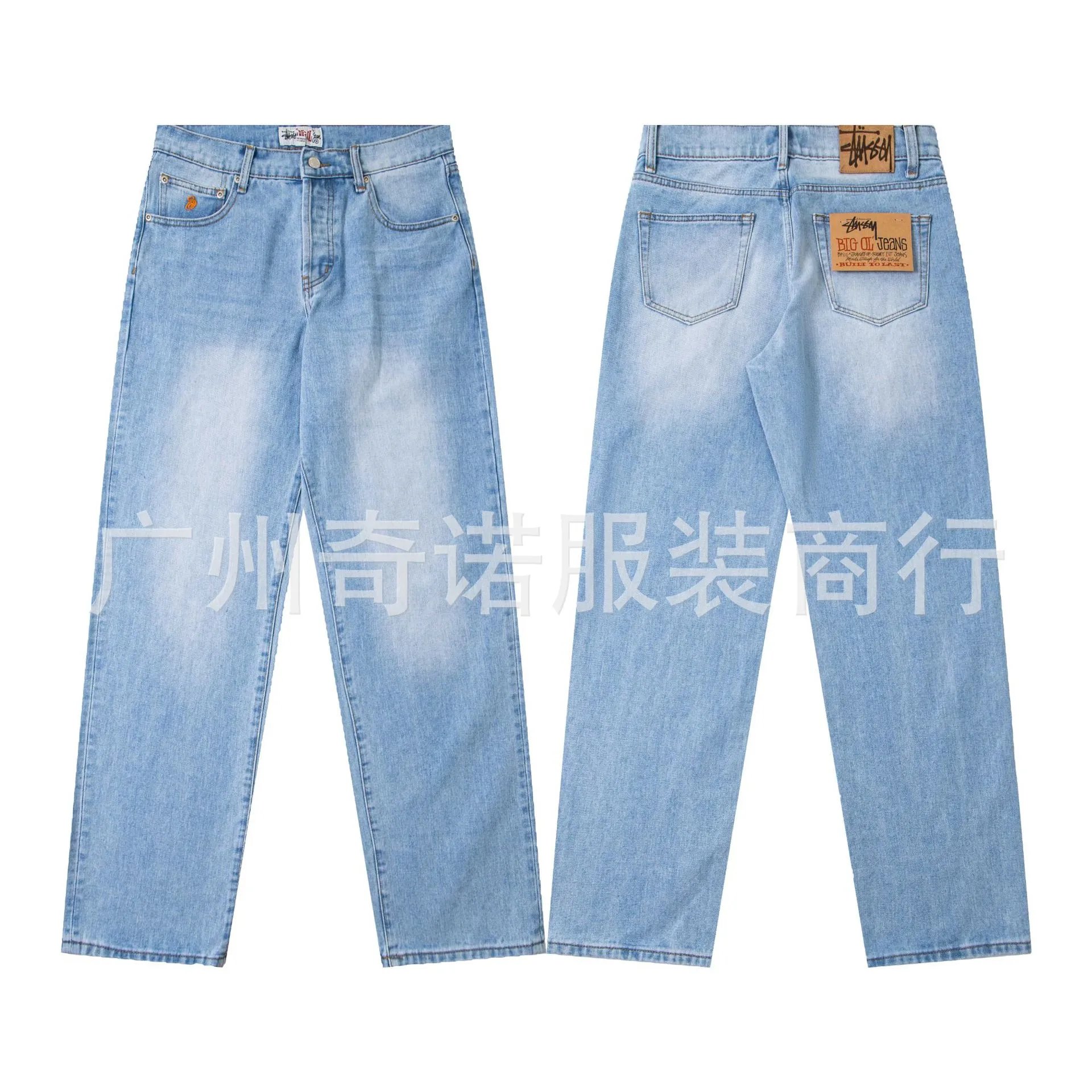 JeansStussy Light Wash Straight Leg Denim Jeans
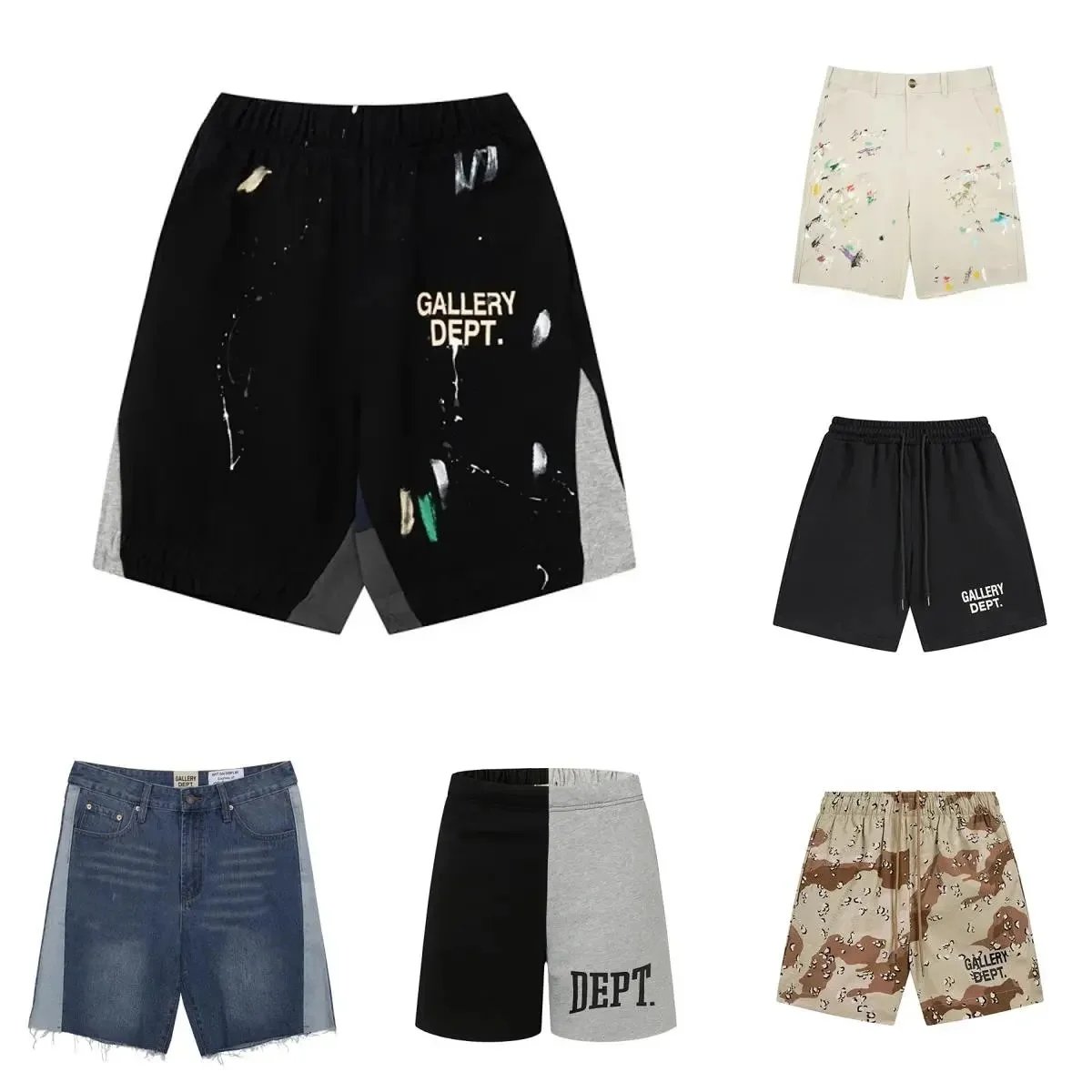 Casual ShortsGallery Dept Multi-Style Printed Patchwork Denim & Sweat Shorts Collection
SEO PRODUCT POOL
Women's Fashion



SEO PRODUCT POOL
Accessories



SEO PRODUCT POOL
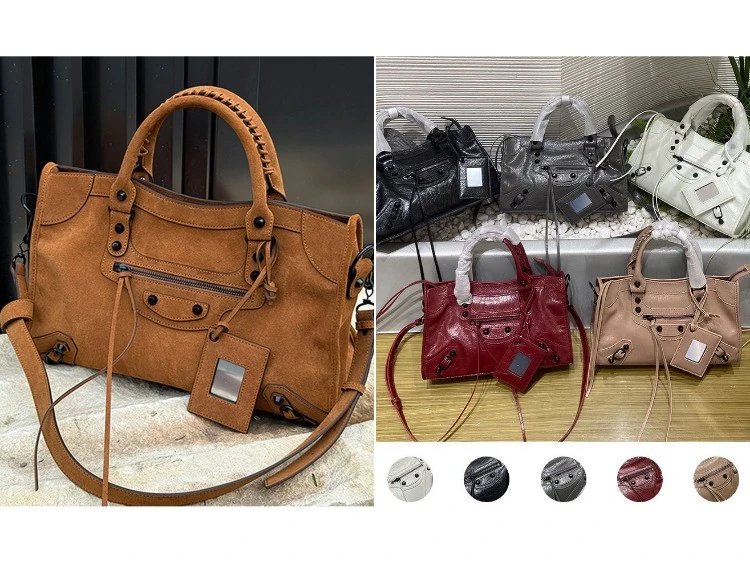
Bags & Watches

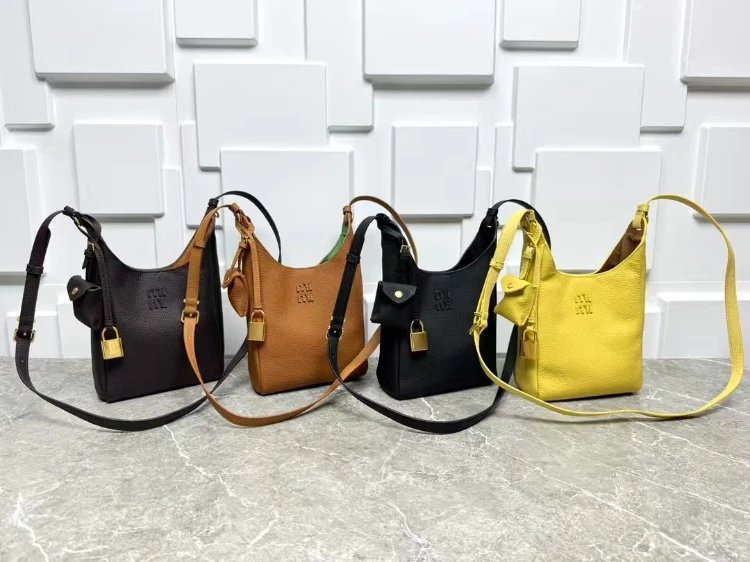
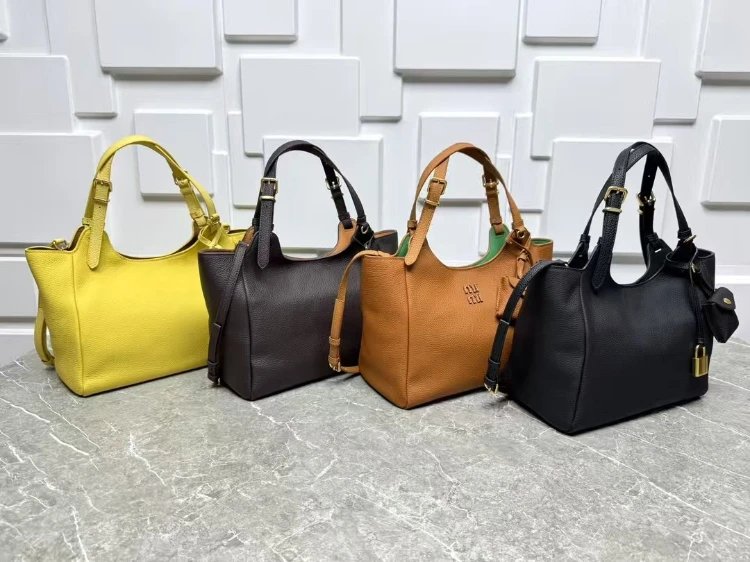
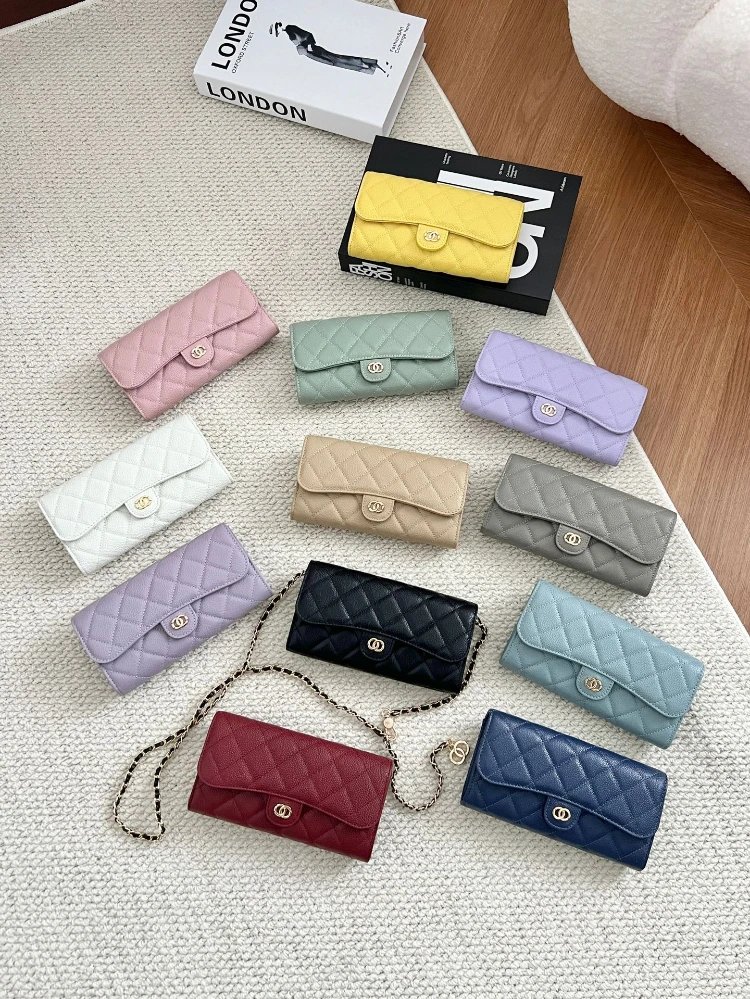
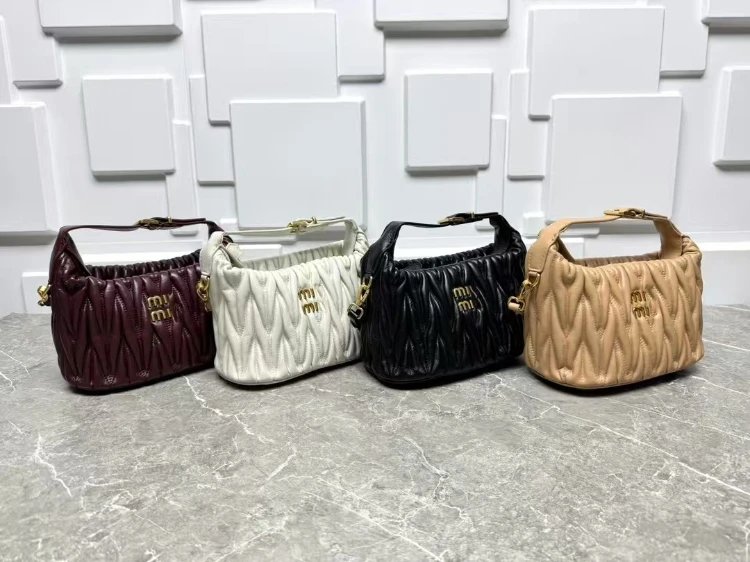
SEO PRODUCT POOL
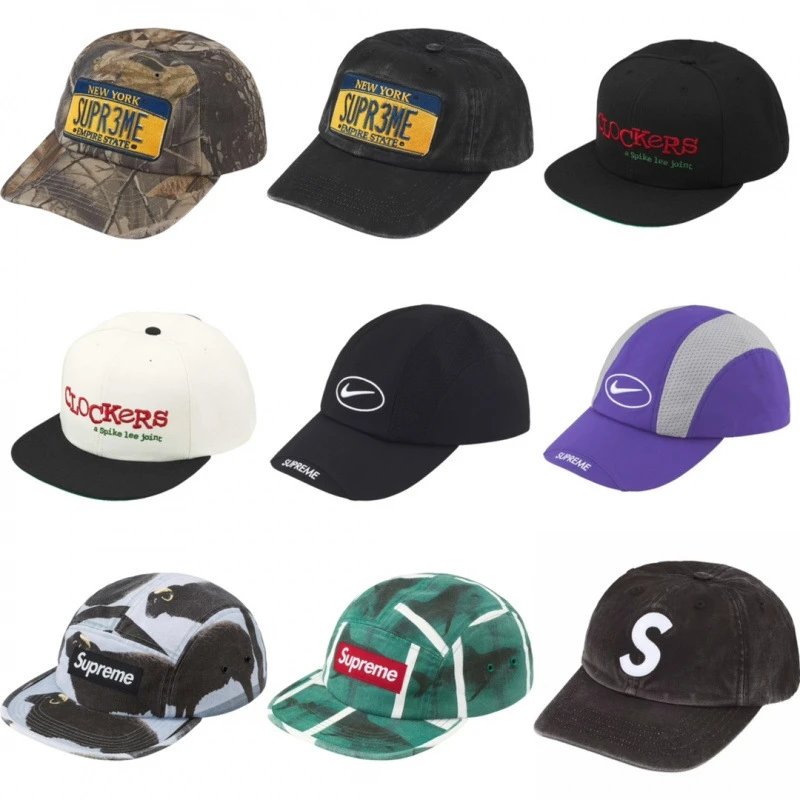
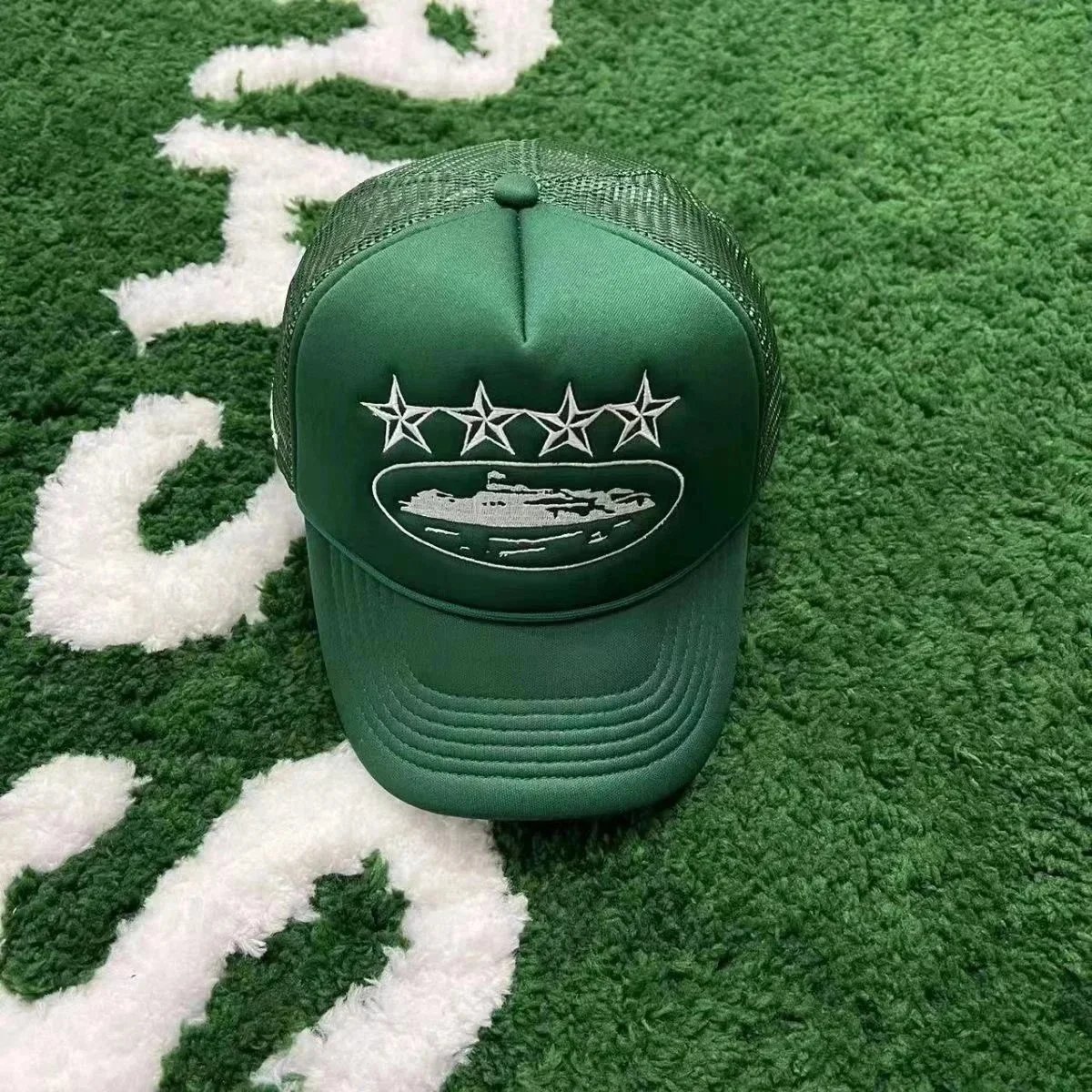
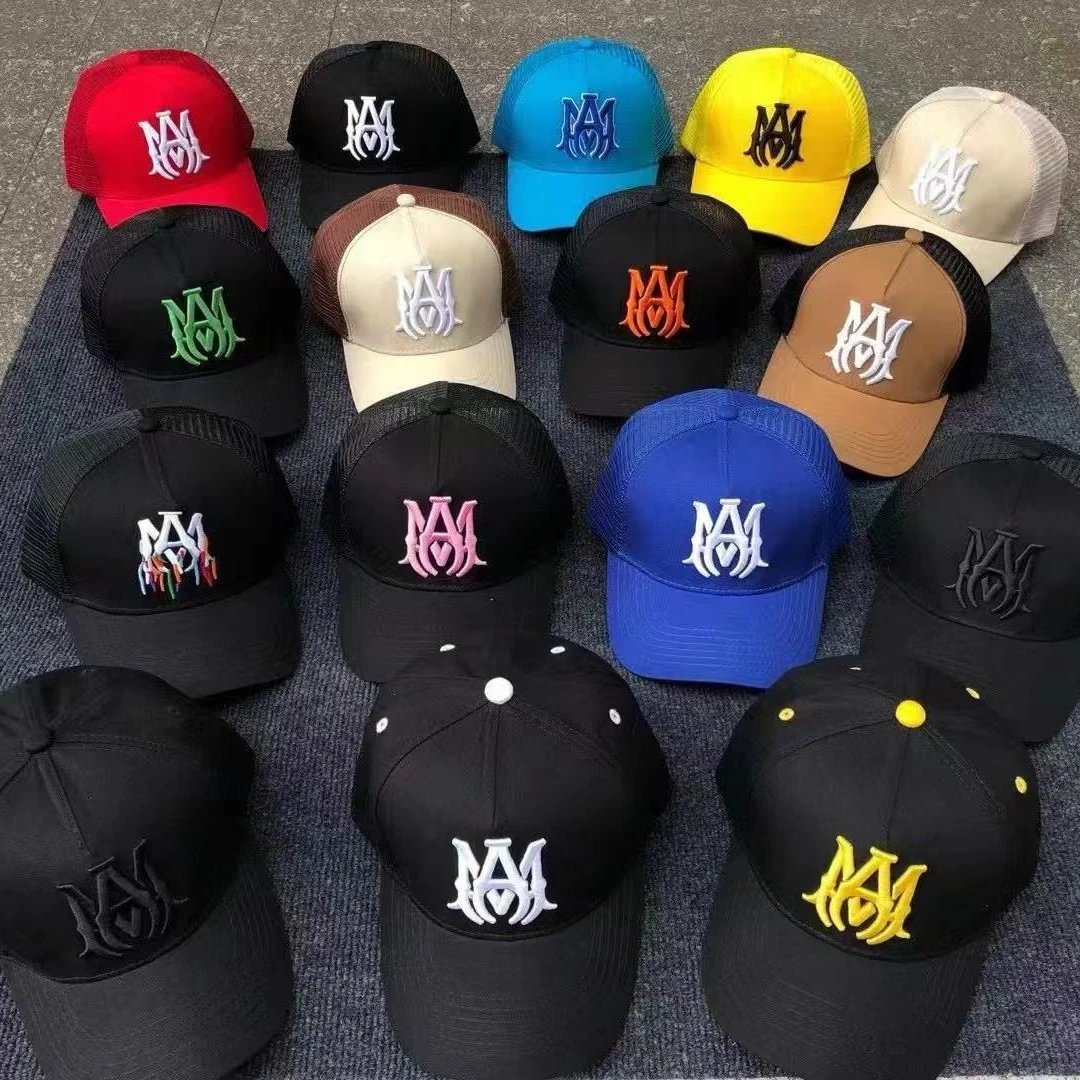
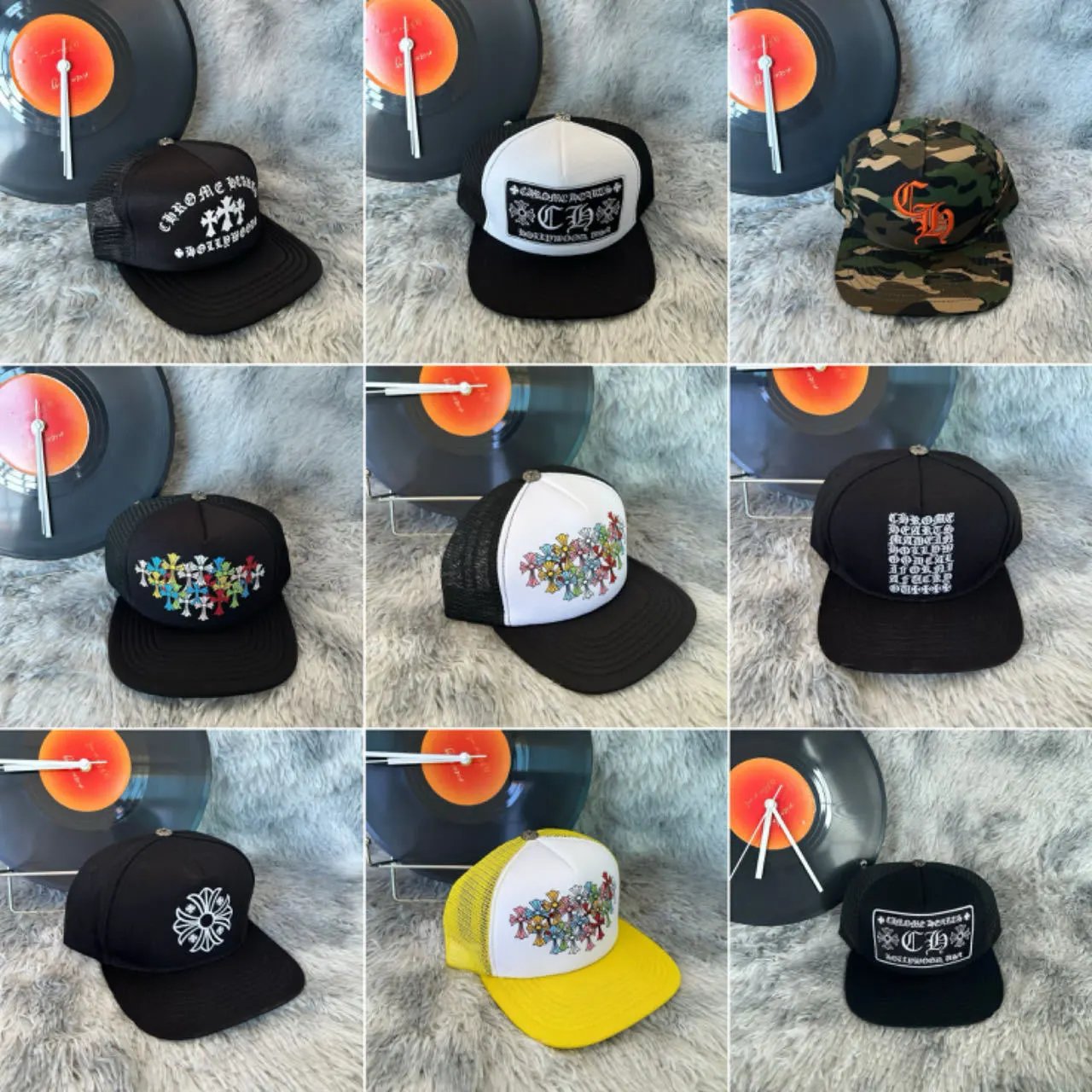
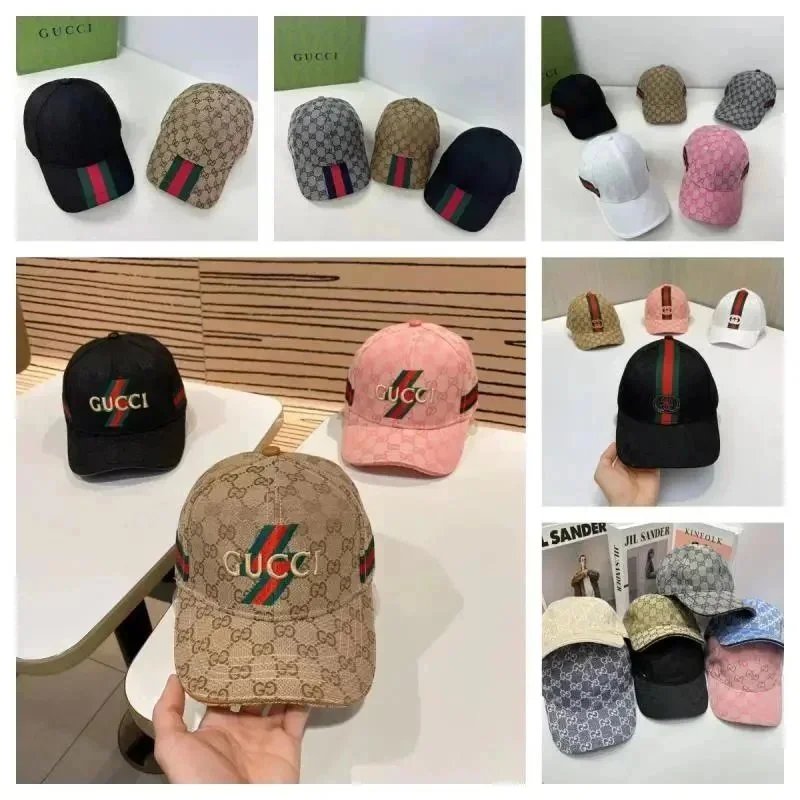
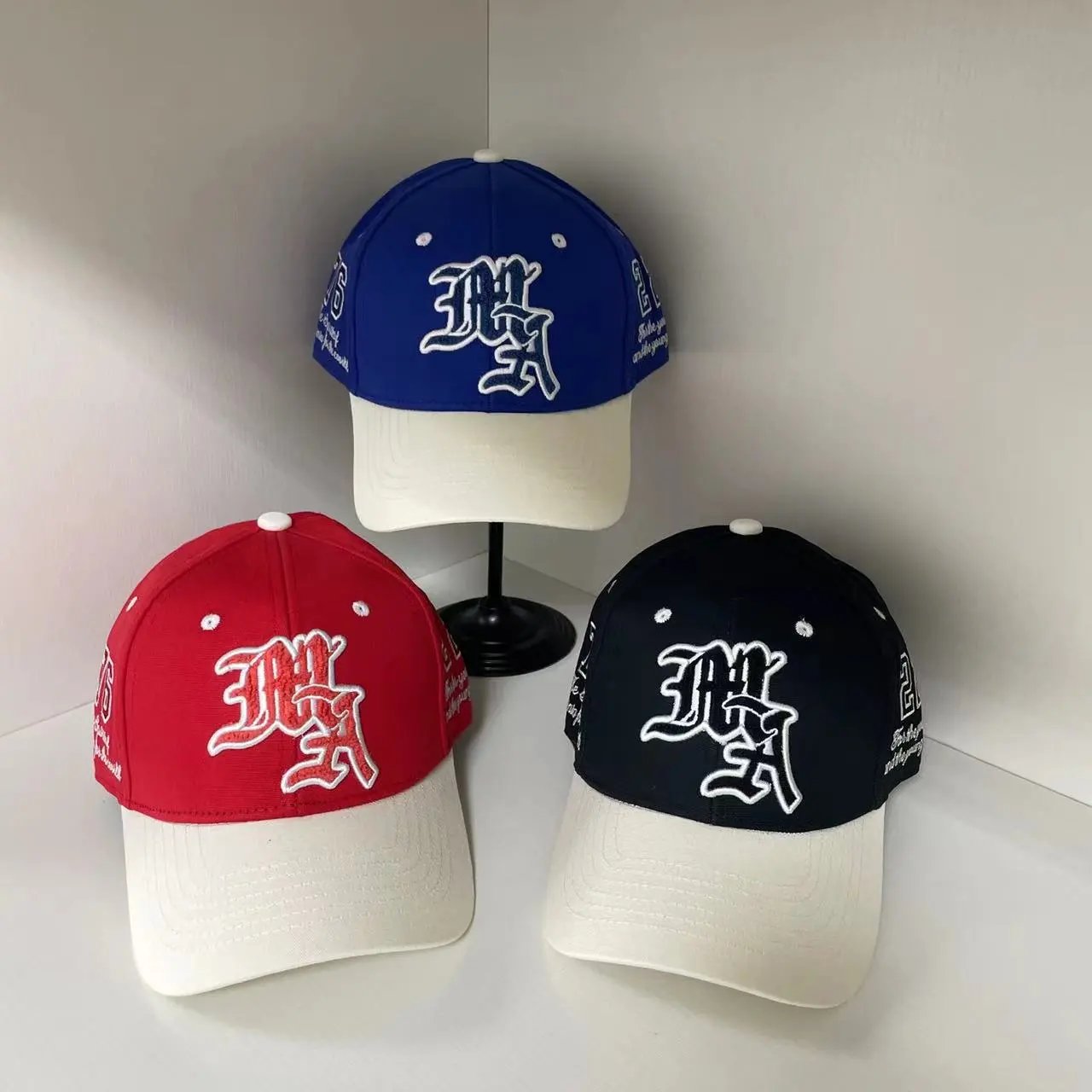
Headwear
SEO PRODUCT POOL
Lifestyle Finds
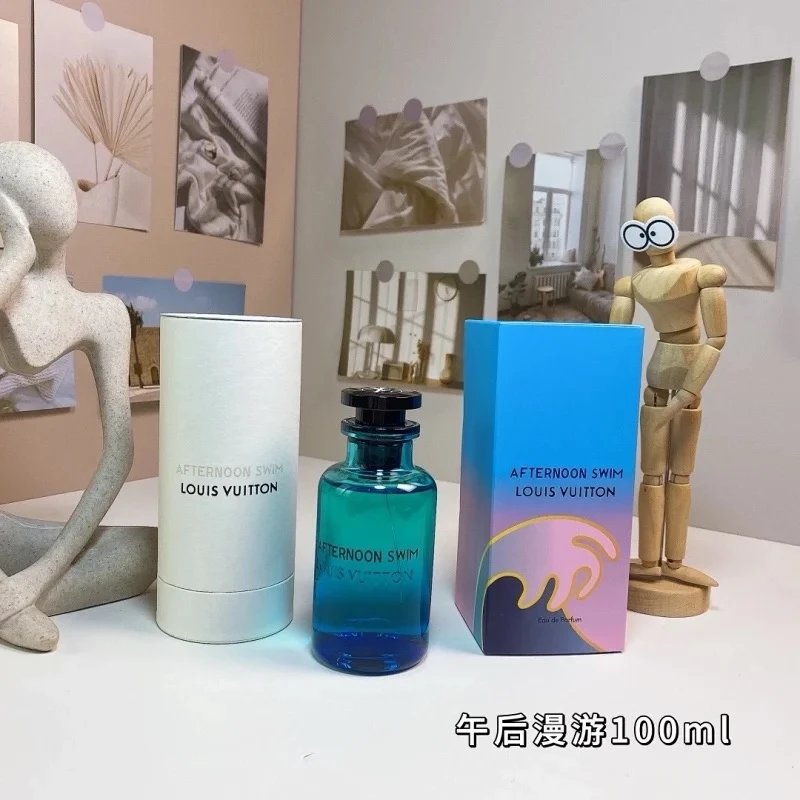 PerfumeLouis Vuitton Afternoon Swim Eau De Parfum 100Ml
 PerfumeDior Chanel J'adore / Chance Eau Tendre, Creed Aventus, Dior Sauvage, Versace Eros Flame, Givenchy L'interdit Perfumes
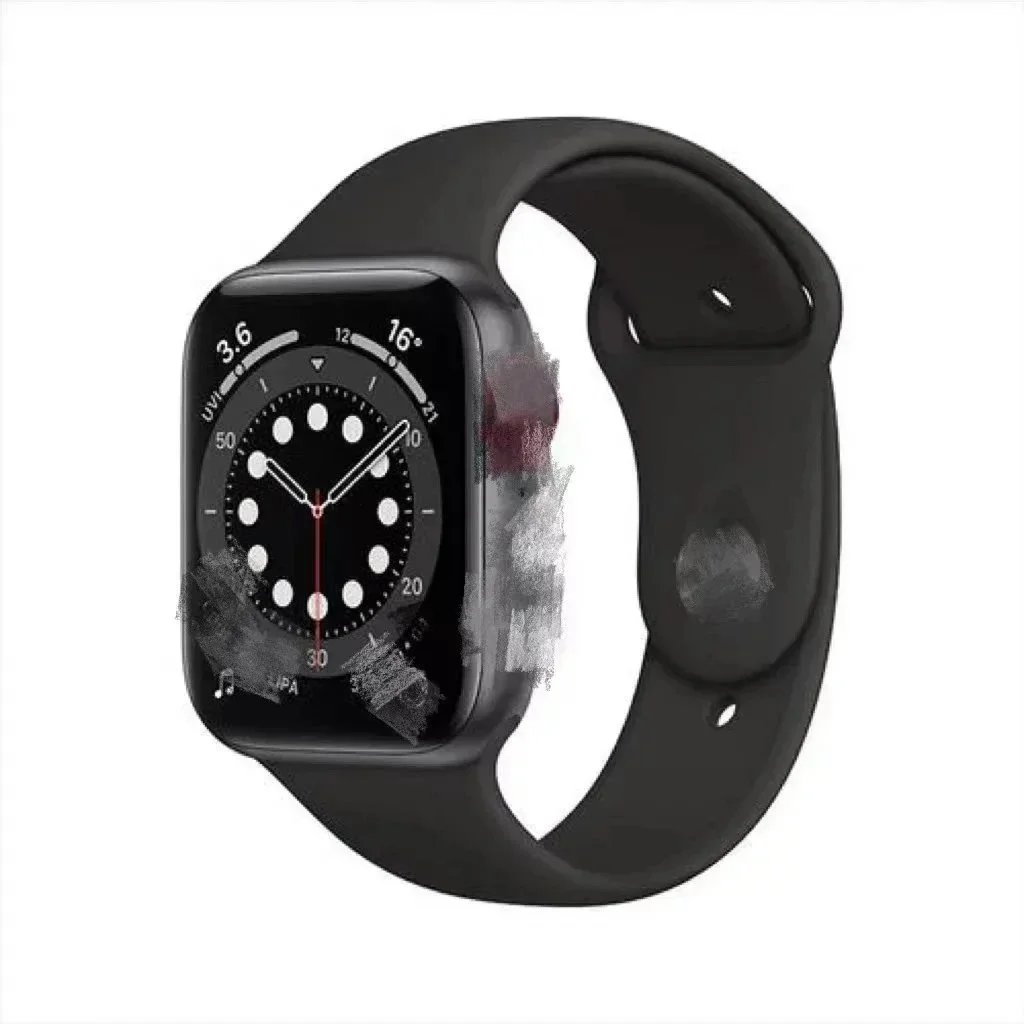 FitnessApple Watch Series 6
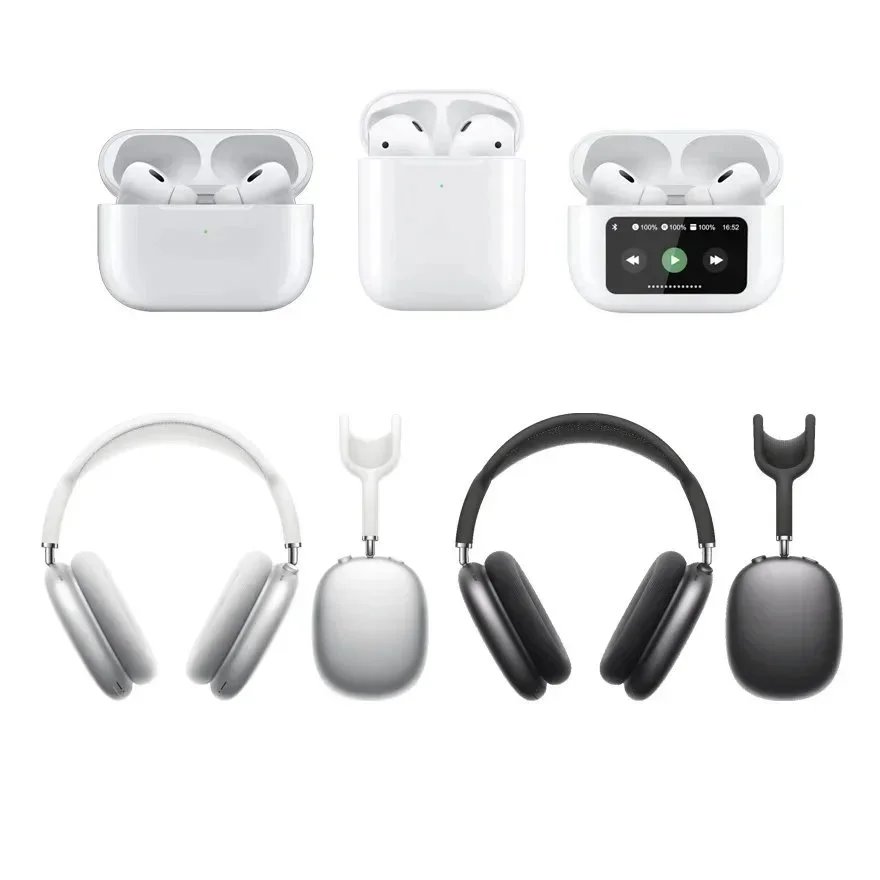 ElectronicsApple Airpods Pro And Airpods Max Wireless Headphones
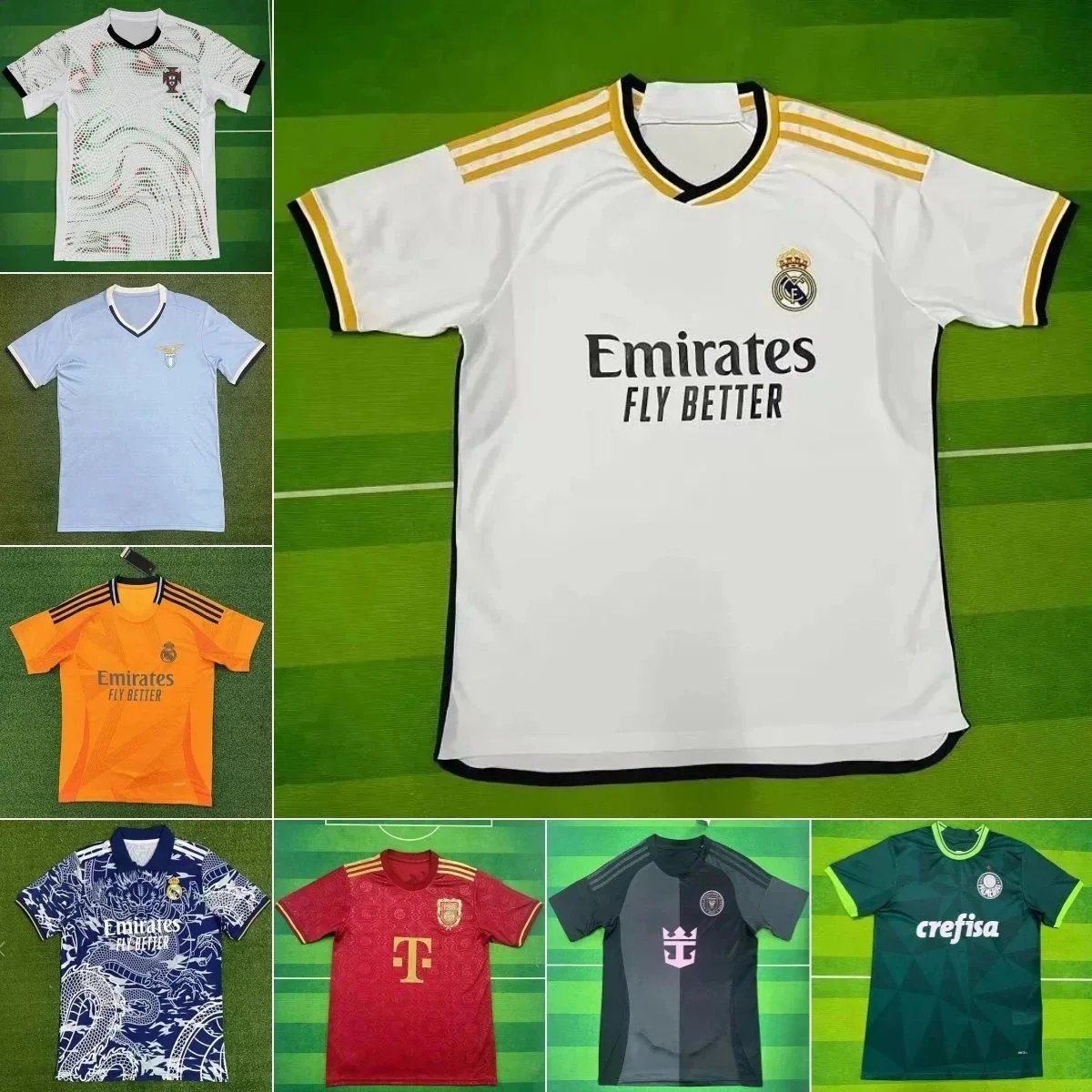 FootballReal Madrid, Benfica, Palmeiras, Bayern Munich, And Others Soccer Jerseys
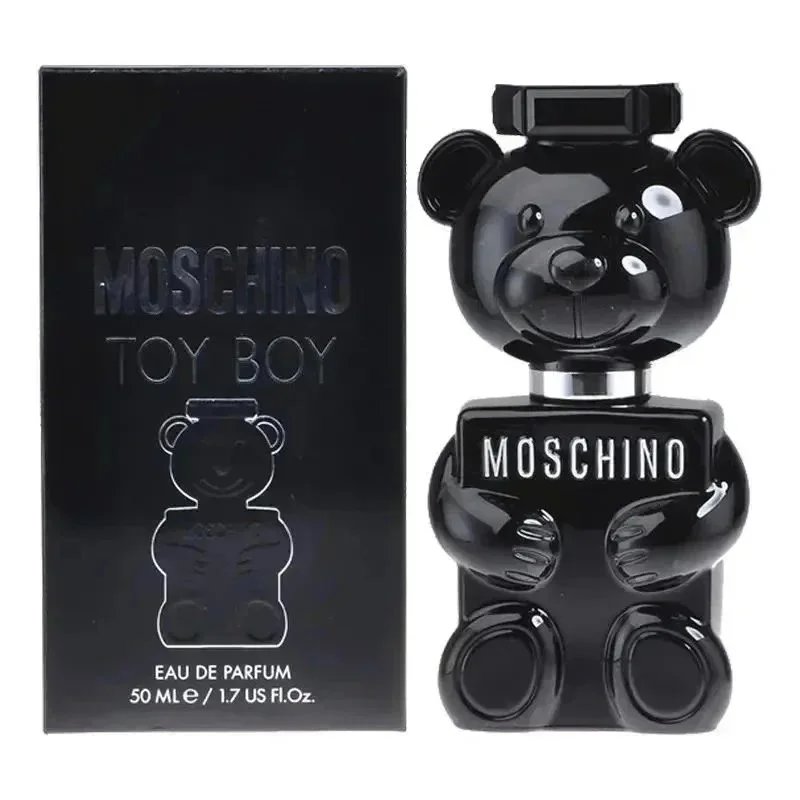 PerfumeMoschino Toy Boy Eau De Parfum
Source note: Titles, images, categories, reference prices and links were extracted from the active SheetsIndex SEO product pools. Availability, prices and listing details can change; verify the current product page.
QUICK ANSWER
The central product-discovery resource
The SpanBuy Spreadsheet is an organized way to browse product references by category and product type. Span-Buy.com explains the directory and category structure, while SheetsIndex hosts the current browseable listings. Use this hub when you want to move from a broad product idea to a focused category without mixing the discovery stage with ordering, QC or shipping instructions.
REAL-WORLD SCENARIO
A user starts with “I need new shoes”
The idea is still too broad for a useful comparison. The user opens the Shoes directory, decides that the intended use is casual wear rather than running, and continues to the Sneakers category. From there, they can compare similar product references instead of mixing boots, performance shoes and casual low-tops in one list.
Spreadsheet Overview
The resource groups product references into recognizable categories so a user can start with footwear, clothing, bags or accessories instead of scanning unrelated links. Each entry is a discovery reference, not a promise about availability, price, quality or shipping eligibility.
| Resource element | Purpose |
|---|---|
| Category | Narrows a broad search to a relevant product group. |
| Product entry | Provides a starting reference for further research. |
| Source link | Opens current information on the destination platform. |
| Guide link | Explains category-specific research without replacing the source listing. |
Browse the Spreadsheet
Open the current database in a new tab, choose the closest category and return to this hub when you need help understanding the directory.
Browse on SheetsIndex ↗Category Directory
Shoes
Footwear directory covering sneakers, running shoes, boots and casual shoes.
Hoodies
Garment discovery with measurement and construction context.
Bags
Compare styles through dimensions, compartments and closures.
Accessories
Start with the exact product type before comparing smaller goods.
VIDEO EVIDENCE
See Products From More Than One Angle
Product photos are useful for a quick scan, but a short video can reveal details that a single frame may hide: the shape from both sides, the way closures sit, the outsole pattern and visible marks. Use the original clips in the SpanBuy video library as supporting evidence while you compare a spreadsheet listing. They do not confirm authenticity, materials, fit, price or current availability. For a repeatable review, open the step-by-step video inspection guide and note which angles are present, which are missing and what still needs to be checked in the live listing.
How Spreadsheet Discovery Works
- Start with the broad product family.
- Open the closest category rather than using an unrelated general term.
- Scan product types and available reference information.
- Open the current source listing for details that may have changed.
For a detailed search example, use the spreadsheet tutorial.
RELATED GUIDES
Continue your research
What Is the Spreadsheet?
Understand the resource and what it contains.
TutorialHow to Use the Spreadsheet
Follow a real sneaker-search example.
CategoryShoes Directory
Choose the correct footwear subcategory.
ComparisonHow to Compare Listings
Compare two spreadsheet entries without relying on price alone.
FAQ
Spreadsheet questions
Does Span-Buy.com host the product database?+
No. The current browseable listings are provided through SheetsIndex.
Does an entry guarantee availability?+
No. Open the current source listing and verify its present information.
Should I start with a keyword or category?+
Use a category first when the product family is known; add a descriptive product term after narrowing the group.
Found a product you want to continue with? Review the SpanBuy buying process before moving from discovery to ordering.